What’s New in Behringer Wing Firmware 3.0.6 (Release Notes Explained)
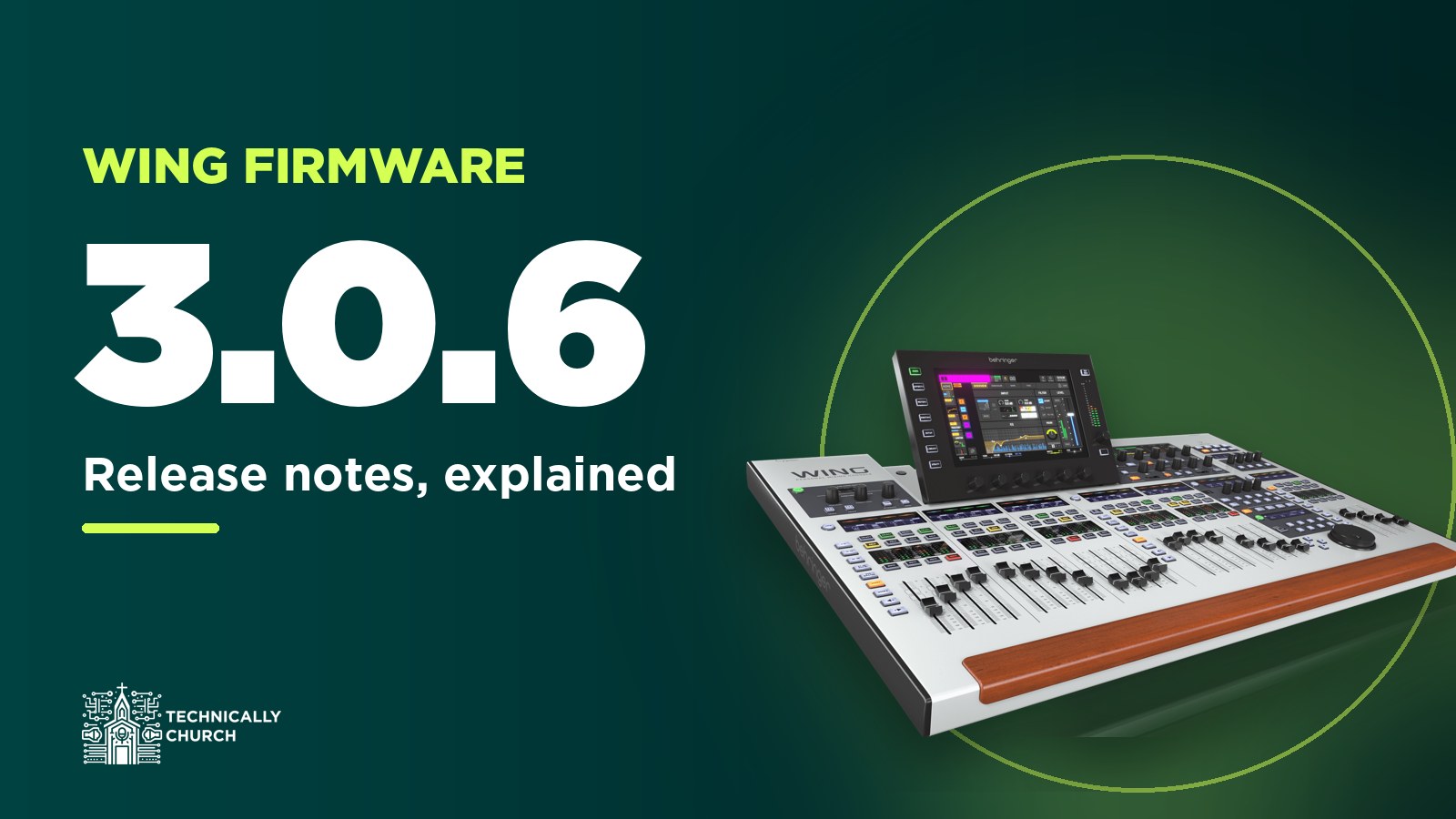
Behringer released Wing firmware 3.0.6 at the end of April 2025. It’s an incremental update, so there isn’t a ton of brand-new stuff in it. There are a few really handy workflow changes, a couple of Dante fixes, and one catch with Dante that I ran into myself. I’m going to go through the release notes line by line and explain what each one actually means on the console. If you’d rather watch the upgrade itself, I did a full 3.0.6 upgrade walkthrough too.
Get the files: firmware 3.0.6 for the full-size Wing (and Wing BK), the Wing Compact and the Wing Rack is in my Behringer Wing firmware archive, along with Behringer’s release notes as a PDF. Every console has its own file, so grab the one for yours.
Read this first if you use Dante
The most important line in these release notes isn’t a feature. Behringer says that if you’re using the WING-DANTE expansion card or the internal AoIP-Dante module, you must also update the module’s firmware. Don’t skip that part.
Here’s what happened to me. When I upgraded, the Dante Updater said my card was up to date. I tested it, the inputs from Dante were coming into the board, and I thought I was good. What I didn’t test was Dante out, and it actually didn’t work. The fix was updating the card manually. You download the right firmware from Behringer’s Wing Dante product page (there are files for the external and internal card, and for the Brooklyn 2 and Brooklyn 3 chipsets), then import it in Dante Controller. My card went from 4.2.7.7 to 4.2.9.4 and everything worked again. I walk through every step in fixing Dante output on the Wing after the 3.0.6 update, and if you’ve never updated a Dante card before, start with Dante expansion card firmware update made easy.
So my advice: after you update, test Dante in and out before Sunday. And before any firmware update, back up. Here’s how I back up my Wing to USB.
New features in 3.0.6
Source names over StageConnect, for the P24
This post contains affiliate links. As an Amazon Associate I earn from qualifying purchases, at no extra cost to you. It helps pay for the tutorials.
The first new feature is source name transmission over StageConnect. Behringer describes the whole release as bringing “workflow improvements and enhancements for integration with the P24 personal monitoring system.” The Behringer P24 is a personal monitor that works over StageConnect, and with this update it can receive the names right from the board, so you don’t have to name everything on the personal monitor itself. If you’re running P16s today, my P16 monitor setup on the Wing shows how that side of things works.
Apply HA Remote and Receive Customization to every source
Under Routing, then Sources, every source has a remote setting: off, or AES50 A, B or C. That decides whether the gain is coming from the Wing itself or from the stage box on the other end of that cable. Right next to it is receive customization. Before, you had to change those one source at a time. Now you can hold down the HA REMOTE or RCV CUST button and it applies that setting to all sources in the selected group. You’ll see a little red circle fill in, it asks if you want to apply to all, and you say yes. If you just plugged in a stage box like a DL32, that saves you a lot of tapping. Here’s my guide to connecting multiple stage snakes to the Wing if you’re setting that up.
Hold STOP to apply it to the whole clip playlist
The Wing can record and play audio files on a USB stick, and you can build a playlist out of those clips. Each clip can be set to stop when it finishes instead of rolling straight into the next one. If you wanted every clip to stop, you used to set it on each clip, and on a long list that takes a minute. Now you hold down the STOP option button and it applies to the whole playlist. If you’ve never used the USB player, here’s how to load and play USB audio files on the Wing.
An AES50 error counter
This one is really useful for troubleshooting. Normally when a stage box is connected on port A, B or C, you get a green letter on the screen, and if a cable is going bad that light flashes on and off. But if you’re not standing there when it happens, you’d never know. Now under SETUP, on the AUDIO tab, there’s an AES50 section with an error counter. COR means corrected and UNC means uncorrected. It counts whether you’re at the board or not, and you can reset it and watch whether new errors show up. That’s exactly what you want when you’re chasing a flaky cable.
Wing Compact: adjust FX parameters from a CC button
The full-size Wing has rotary knobs in the custom controls section, so you can assign something like reverb decay to a knob and just twist it. The Compact doesn’t have those knobs. In 3.0.6 you can hold down any CC button on the Compact and turn the rotary encoder below the main meter to adjust FX parameters. So you’d assign the reverb decay to a button, hold the button, and turn the encoder. I don’t have a Compact to show this on, but that’s what the release notes describe.
Reset an EQ band by holding its button
This is the one I was really looking forward to. Before, if you didn’t like an EQ anymore, you either initialized the whole EQ or you fiddled each knob back to exactly zero. Now you select a band (the low shelf, bands one through four, or the high shelf) and hold its button, and that band resets. You can knock out three or four bands in a couple of seconds without trying to land a knob exactly on zero. While you’re in the EQ, I’ve also got the low cut filter and the high cut filter explained.
SD recorder messages in plain text
SD recorder error messages are now shown in text form. Along the same lines, under the changes, the WING-LIVE card now displays a warning message if recording dropouts happen because of a slow SD card. If you record your services to SD, pay attention to that warning, because it’s telling you the card can’t keep up. I’ve got a video on upgrading the Wing LIVE card if you’re running one.
CC buttons that change the CC bank
The last new feature is a CC button option to change CC bank. On the full-size Wing you can have up to 16 pages of custom control buttons, and getting from page one to page 16 meant pressing up 16 times. Now in the custom controls setup, under Other, there’s a CC bank option, so a button can jump you straight to a page. You can essentially build a launch page on bank one that jumps to the pages you use most. This really only helps the full size. The Compact doesn’t have pages of buttons, so it doesn’t change anything there. If you haven’t set up your custom controls yet, start with configuring the top right section, and if you want those buttons talking to a computer, here’s controlling Ableton Live with Wing custom control buttons.
What changed
Solo (POST) now follows panning on input and aux channels and on DCAs. So when you solo something post-fader, what you hear is panned the way the channel is panned. If pre and post fader is still fuzzy for you, I break it down in pre vs post fader on the Wing.
What got fixed
- Dante: sporadic audio clicks when using Dante, and short streams of digital zeros in transmitted audio when the Wing is the Dante clock leader. Behringer notes that second one only affected BRK2 modules, which is the Brooklyn 2 chipset.
- Toolbox: the “IN” copy option wasn’t available for every channel type combination. If you copy settings between channels a lot, here’s how I copy channel settings on the Wing.
- Custom controls: a CC assigned to the SD recorder session list or marker list didn’t work right on long sessions, and the CC display didn’t update when you switched banks while holding a CC down.
- GPIO: a function couldn’t be deactivated when you used GPIO to set fixed fader levels.
- Snippets: TAP WIDTH wasn’t being stored in snippets. If you run your worship set from snippets like I do in automating a worship set with snippets, that one’s fixed.
Should you still install 3.0.6?
3.0.6 isn’t the newest version anymore. Behringer has released 3.1, 3.1.1 and 3.1.2 since, and I’ve archived all of them. But if you’re coming from an older version, it can really help to go in order instead of jumping straight to the newest. Sometimes you have to initialize your console if you jump too far, and that just adds an extra step. Every version is on my firmware page, for all three consoles.
So that’s firmware 3.0.6 on the Behringer Wing: StageConnect names for the P24, apply-to-all for HA Remote and receive customization, the AES50 error counter, one-press EQ band resets, CC bank buttons, a couple of Dante fixes, and the one catch, which is that your Dante card firmware has to be updated too.