Behringer Wing Mono vs Stereo: Fix a Left-Only Channel
Guitar only in the left speaker? A mono source on a stereo channel. On the Behringer Wing: channel, home screen, patch, click M.
These tutorials cover Behringer Wing setup, Dante routing, Stream Deck, Blackmagic ATEM, SMPTE time code, GrandMA lighting, Multitracks.com playback, Waves processing, and P16 integration. You’ll also get step‑by‑step guides for MIDI control, in‑ear mixes, bus and matrix configuration, firmware updates, and common connectivity troubleshooting.
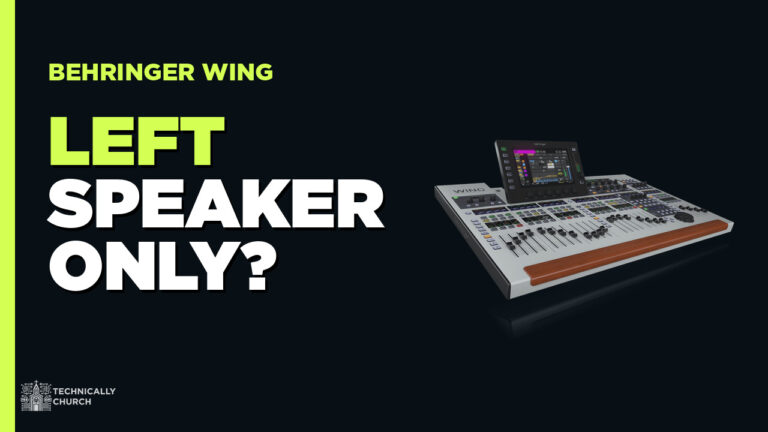
Guitar only in the left speaker? A mono source on a stereo channel. On the Behringer Wing: channel, home screen, patch, click M.
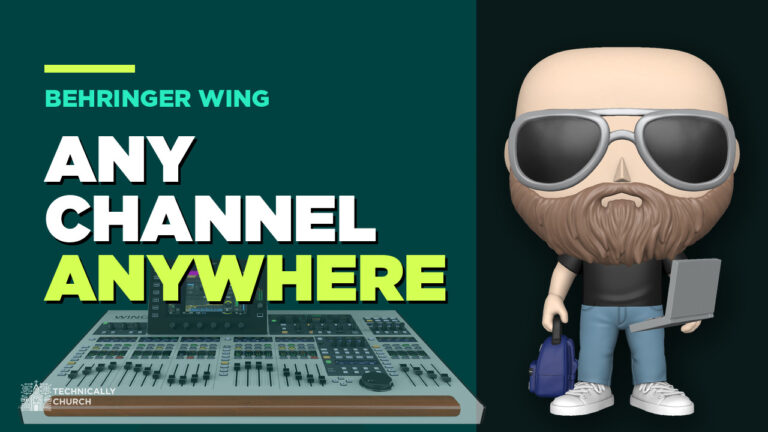
Need a fourth vocal mic next to the others? Patch it into any open channel on the Behringer Wing, then drag it into place with View > Config.
Record every channel from your Behringer Wing over USB or Dante, free in Audacity or 64 channels in Audition, then mix it back as a virtual soundcheck.
Two ways to let your church band mix their own in-ears on the Behringer Wing: P16 personal mixers over Ultranet, or buses with the Wing-Q iPad app.
How I set up a ProPresenter computer for church: Mac Mini outputs, DeckLink Duo 2 in a Sonnet enclosure, SDI converters, stage screens and alpha key.

Rotating drummers? Save each one’s Waves plug-in presets as a SuperRack snapshot, narrow the scope to the drums, and switch with one click on the Wing.
How I run Dante on the Behringer Wing: the Dante card, Dante Controller, Virtual Soundcard, recording, Playback, two Wings, and firmware fixes.
Behringer Wing problems I’ve hit and fixed: Dante dying after firmware updates, safe upgrades, initialize, lost settings, console lock and latency.
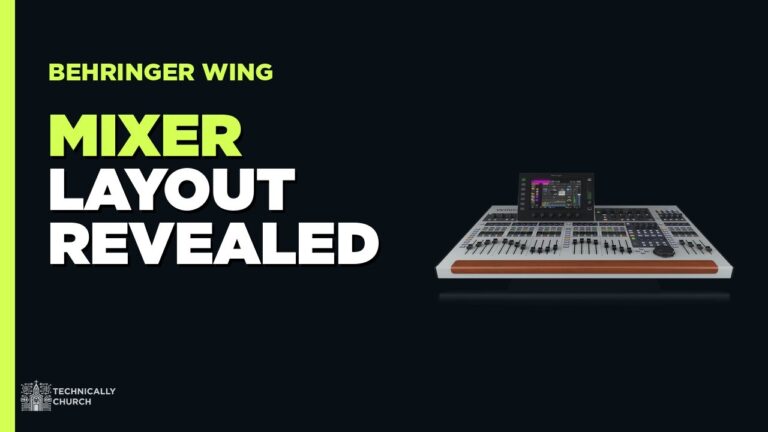
Just got a Behringer Wing? Here’s the order to learn it: layout, gain staging, routing, snapshots and shows, USB backups, then Dante and recording.
Black Friday 2024 is almost here! I’ll be compiling a list of my favorite deals that could be used for Church Tech! Stay tuned for more as this page will be constantly updated as I find deals.