Waves SuperRack Snapshots: Switch Drum Presets in One Click
Rotating drummers? Save each one’s Waves plug-in presets as a SuperRack snapshot, narrow the scope to the drums, and switch with one click on the Wing.

This collection covers using the Behringer Wing with Waves SuperRack Performer for MIDI control, external processing, latency testing (USB vs. Dante), and routing. It also includes guides for CLA Drums (floor tom, snare, kick) in Ableton Live, plus Adobe Audition installation and troubleshooting tips.
Rotating drummers? Save each one’s Waves plug-in presets as a SuperRack snapshot, narrow the scope to the drums, and switch with one click on the Wing.

Tired of fumbling with Auto-Tune keys between songs? Unlock true set-and-forget automation! This guide reveals how to make your Behringer Wing command Waves SuperRack via MIDI, ensuring your vocal tuning is pitch-perfect for every song, every time. Ditch the stress and focus on the mix!

Unlock seamless live sound automation! This guide reveals how to control Waves SuperRack directly from your Behringer Wing using MIDI. Master two powerful methods—manual button triggers and fully automated show cues—to instantly recall plugin settings and transform your workflow. Don’t miss this essential upgrade!
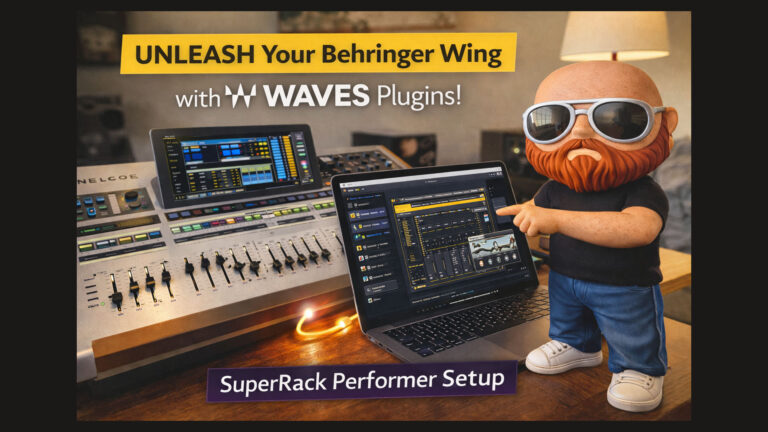
Supercharge your Behringer Wing! Unlock the power of world-class Waves plugins for your live mix. This step-by-step guide demystifies Waves SuperRack Performer, covering everything from the USB connection to routing your first signal. Don’t miss out on this game-changing upgrade for your sound.

This in-depth guide explores low-latency external processing on the Behringer Wing using a Mac Mini M1, comparing USB vs. Dante and Ableton Live vs. Waves SuperRack Performer. Step-by-step null testing reveals how processing chains, plugin selection, and routing methods impact latency for live sound environments with clear conclusions.
This guide explains advanced Behringer Wing routing techniques for maximizing inputs and outputs without using its 48 fader channels. Learn how to record comm channels, process livestream audio through Waves plugins in Ableton, and route clean audio via USB and Dante for recording, processing, or broadcast.
The Behringer Wing integrates with Ableton Live via MIDI-over-USB, enabling control of plugin settings like autotune keys. By assigning encoders to MIDI commands and linking them to snapshots, engineers can automate key changes and streamline live performances, enhancing workflow and delivering professional, synchronized sound.
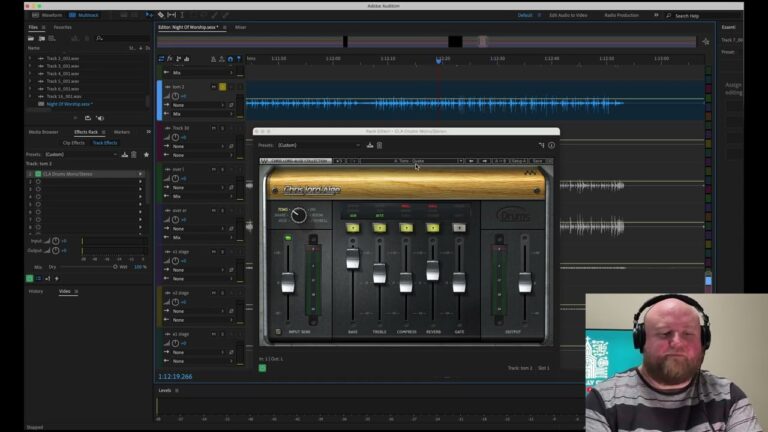
Transform your floor tom sound with the CLA Drums Plugin from Waves. This plugin offers powerful presets and intuitive controls, perfect for both live and studio environments. Enhance your drum mix with quick adjustments, tailored tone shaping, and effective noise gating. Learn how to achieve professional-quality results in our detailed review.
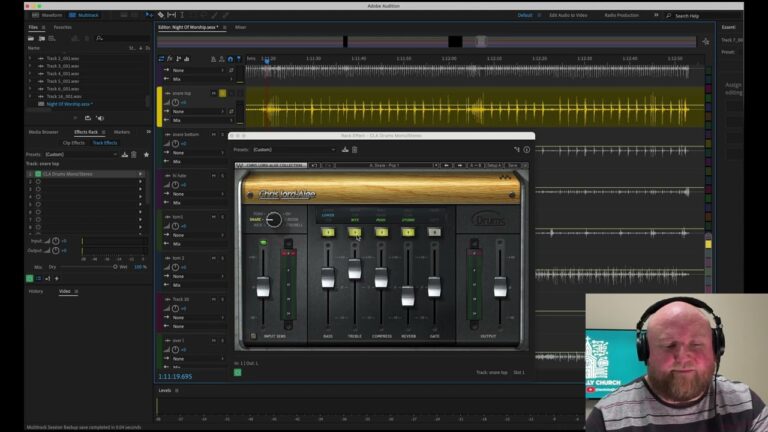
Discover how the CLA Drums Plugin from Waves transforms your snare drum mix with its powerful presets and intuitive controls. Whether in live or studio environments, this plugin offers quick, professional-quality results, perfect for achieving a punchy, clear snare sound. Learn about its features and benefits in our detailed review.
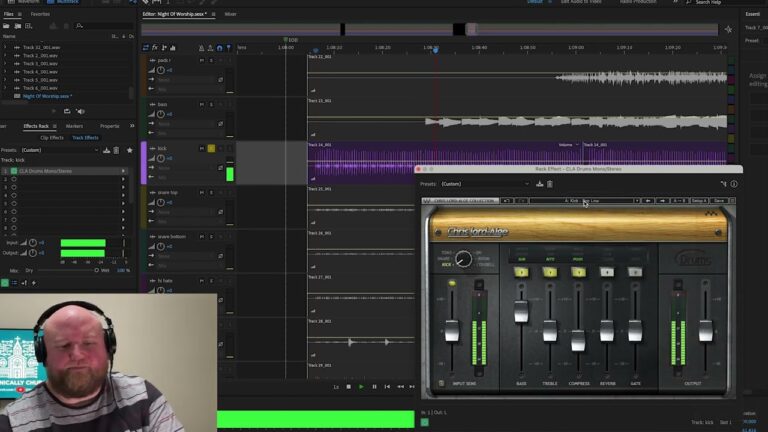
The CLA Drums Plugin from Waves, developed with Chris Lord-Alge, offers a range of presets and customizable parameters to enhance drum mixing for both live and studio settings. The plugin simplifies drum sound refinement, making it fast, easy, and intuitive. It’s suitable for audio engineers and musicians seeking high-quality, versatile solutions.