Multitrack Recording and Virtual Soundcheck on the Behringer Wing
Record every channel from your Behringer Wing over USB or Dante, free in Audacity or 64 channels in Audition, then mix it back as a virtual soundcheck.

This section offers step‑by‑step guides for recording with the Behringer Wing, covering virtual soundchecks, multi‑track USB capture, and Dante integration. You’ll also find a console file download, user‑patching walk‑through, and instructions for using Adobe Audition or Audacity to manage up to 64 channels.
Record every channel from your Behringer Wing over USB or Dante, free in Audacity or 64 channels in Audition, then mix it back as a virtual soundcheck.
How I run Dante on the Behringer Wing: the Dante card, Dante Controller, Virtual Soundcard, recording, Playback, two Wings, and firmware fixes.
Learn how to set up a virtual soundcheck using a Behringer Wing and Adobe Audition. Record multitrack audio over USB, then playback for EQ refinement, training, and mixing — all without the band on stage. Ideal for churches, this guide enhances your workflow and improves mix consistency week after week.
Learn how to record up to 48 individual audio tracks from your Behringer Wing console into Audacity via USB—for free. This step-by-step guide covers system setup, USB routing, recording, and exporting. Great for churches wanting budget-friendly multitrack recordings for post-production, training, or mix refinement.
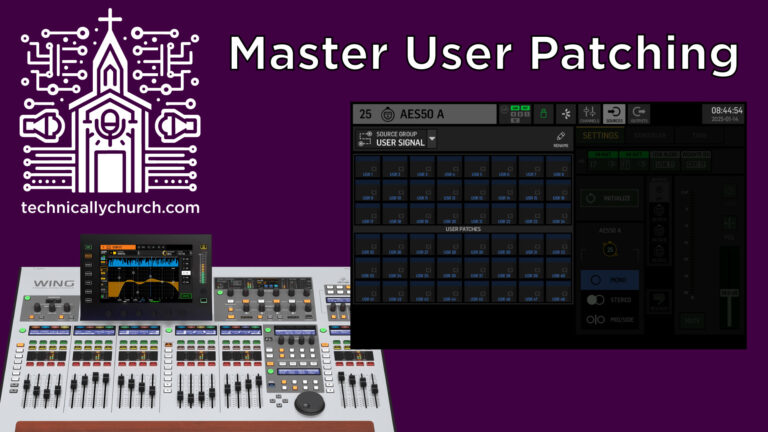
User patching on the Behringer Wing delivers unparalleled flexibility in routing audio signals. This step-by-step guide covers key use cases: providing processed signals to monitors and multitrack recording with processing. Enhance your workflow by customizing routing to meet the unique needs of your live or recording environment.
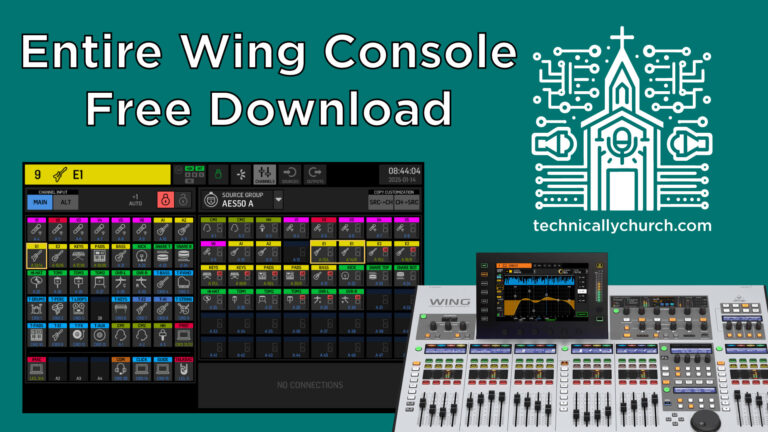
Learn how to configure the Behringer Wing for church services with pre-routed inputs, buses, effects, and outputs tailored for live sound, streaming, and multi-track recording. This downloadable file integrates components like Dante and P16 monitors, providing an efficient, customizable starting point for engineers.

This article provides a step-by-step guide to setting up multitrack recording using the Behringer Wing mixer with a Dante card and Adobe Audition. It covers the setup of Dante routing on the mixer, the use of Dante Controller and Virtual Sound Card on a computer, and the configuration of Adobe Audition for recording multiple channels. This setup allows for the recording of up to 64 individual tracks, offering extensive control and flexibility for audio recording and production.