Behringer Wing Aux-Fed Subs: Give Your Subwoofers Their Own Fader
Put your subs on their own main on the Behringer Wing: pick which channels feed them, keep Pre off, and ride the subs on their own fader.

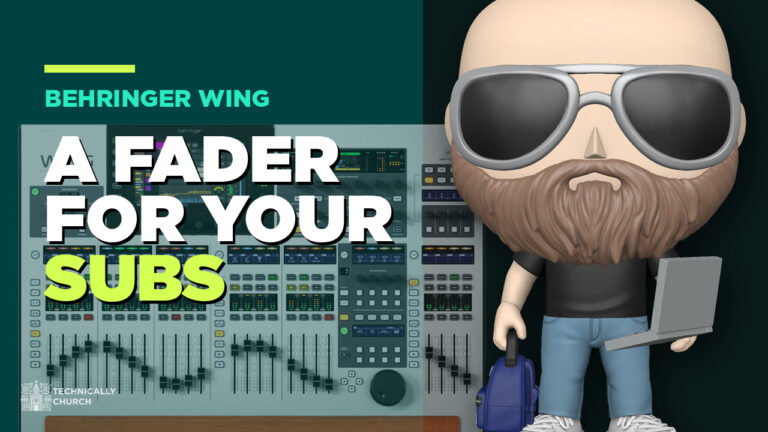
Put your subs on their own main on the Behringer Wing: pick which channels feed them, keep Pre off, and ride the subs on their own fader.
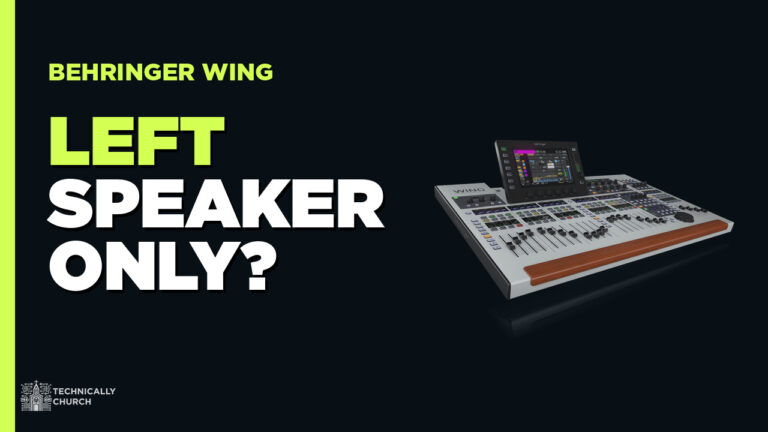
Guitar only in the left speaker? A mono source on a stereo channel. On the Behringer Wing: channel, home screen, patch, click M.
Every change in Behringer Wing firmware 3.1.1 explained: user patch gain and phantom, pan on send faders, resume after shutdown, and the fixes.
Every change in Behringer Wing firmware 3.1 explained: new compressors, dual-band dynamic EQ, direct inputs to phones, 24 remote clients, and the Compact updates.
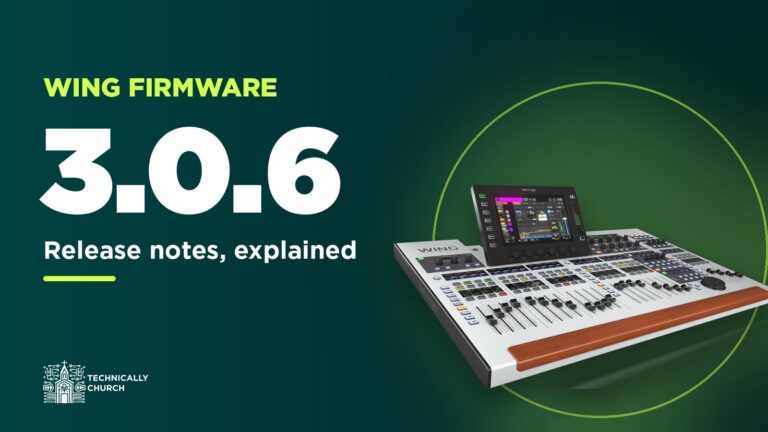
Every change in Behringer Wing firmware 3.0.6 explained: StageConnect names for the P24, the AES50 error counter, one-press EQ resets, and the Dante catch.
Need a fourth vocal mic next to the others? Patch it into any open channel on the Behringer Wing, then drag it into place with View > Config.
Record every channel from your Behringer Wing over USB or Dante, free in Audacity or 64 channels in Audition, then mix it back as a virtual soundcheck.
Two ways to let your church band mix their own in-ears on the Behringer Wing: P16 personal mixers over Ultranet, or buses with the Wing-Q iPad app.
How I set up a ProPresenter computer for church: Mac Mini outputs, DeckLink Duo 2 in a Sonnet enclosure, SDI converters, stage screens and alpha key.

Rotating drummers? Save each one’s Waves plug-in presets as a SuperRack snapshot, narrow the scope to the drums, and switch with one click on the Wing.