As an Amazon Associate I earn from qualifying purchases. The product links on this page are affiliate links: they cost you nothing extra, and they help pay for the tutorials.
Record every channel off your Wing, then play it back in for a virtual soundcheck when the band's gone.
Church audio teams running a Behringer Wing who want every input recorded on its own track, for post mixing, training volunteers, and dialing in EQ without the band on stage.
See what’s in the kitWatch how it’s set upMultitrack recording means every channel gets recorded on its own track instead of just your mix. On the Wing you've got two ways to get there: plug a USB cable into a computer and you get up to 48 channels, or put a Dante card in the card slot and you get 64 channels in and out over the network.
The part I really care about is getting those tracks back into the board. That's a virtual soundcheck. You record the band raw, and when they're gone you play it back through the same channels and fine-tune EQ for hours, or train somebody new without wasting the band's time.
How it fits together
Routing > Outputs, then pick USB Audio (48 channels) or Dante Out (64 channels). Patch your sources one to one, straight from the stage snake or local inputs, so you record the raw signal.
USB route: an A to B cable from the Wing to the computer, and the computer sees a device called Wing. Dante route: the Wing and the computer on the Dante network, with Dante Virtual Soundcard on the computer and the channels patched one to one in Dante Controller.
Pick the Wing (or the Dante Virtual Soundcard) as the audio device, add one mono track per channel, patch each track's input, and arm every track you want recorded.
Hit record. In Audacity, export as multiple files split by track and you get one WAV per channel.
Patch each track's output back to the Wing, set every channel's alternate source to the matching USB channel, then flip Setup > Audio > Input Select from Main to Alternate. The board now hears the recording instead of the mics.
What’s in the kit
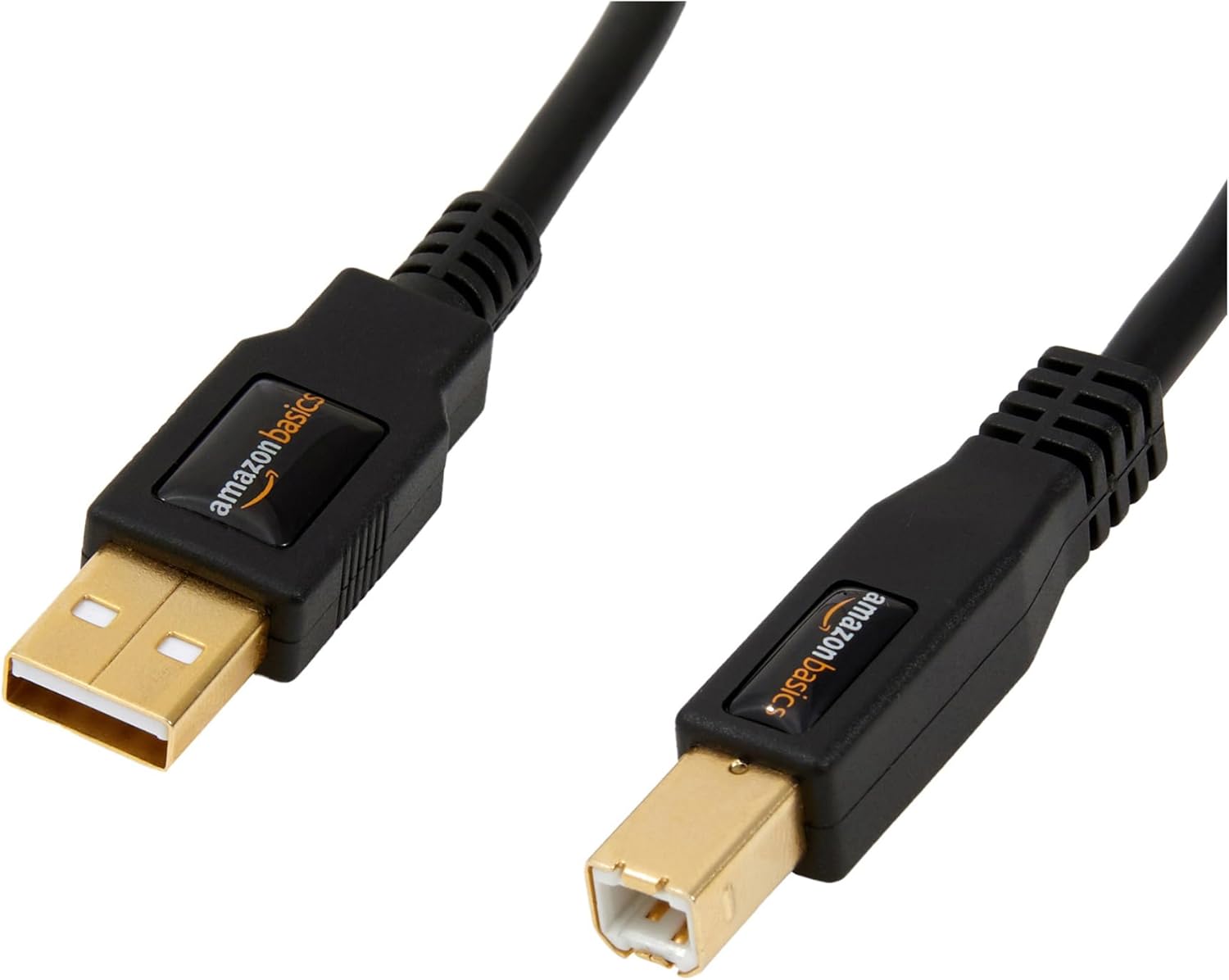
USB A to B cable× 1
The USB route. One A to B cable from the Wing to your computer is all it takes to get up to 48 channels into a recording program.
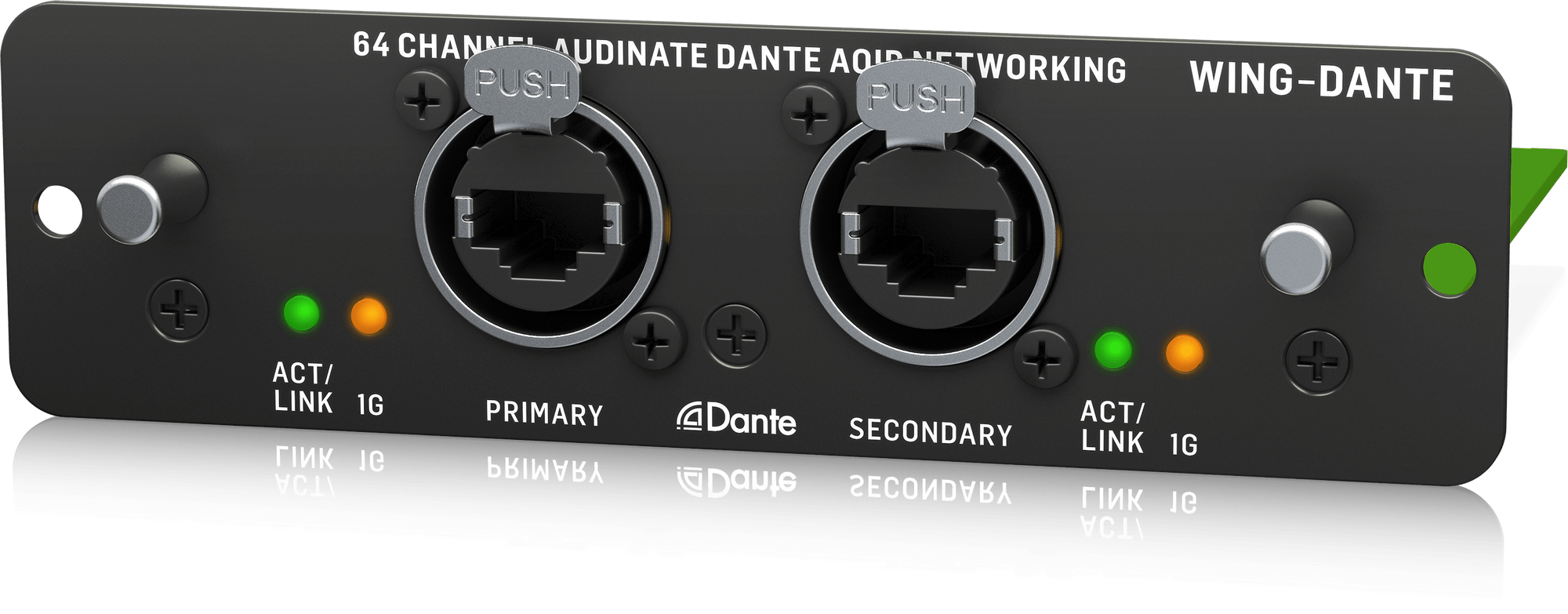
Behringer Wing Dante expansion card× 1
The Dante route. It replaces the SD card recorder in the Wing's card slot and gives you 64 channels in and out over Dante, so the recording computer can sit anywhere on the network.
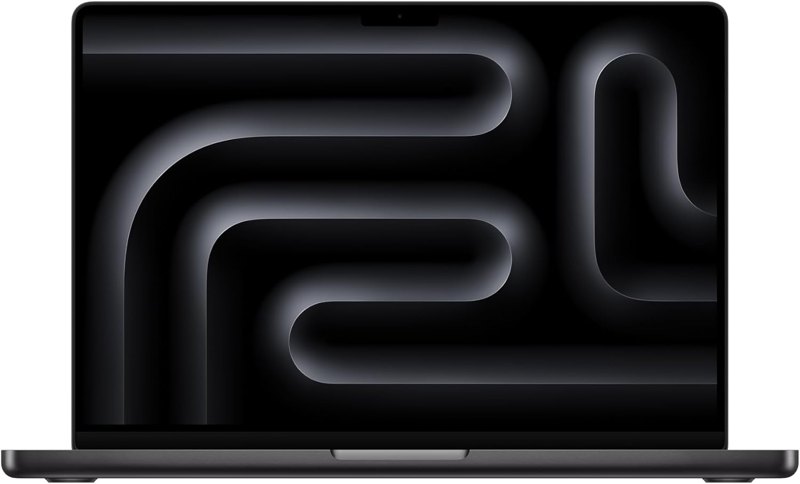
Apple MacBook Pro 14-inch (M5)× 1
The recording computer. Any Mac or Windows computer can run this; I've recorded the Wing on a MacBook Pro and on a Mac mini.

Belkin USB-C to Gigabit Ethernet adapter× 1
If your Mac only has USB-C, this is how it gets onto the Dante network. It's the adapter I had no trouble with after third-party ones kept giving me problems.
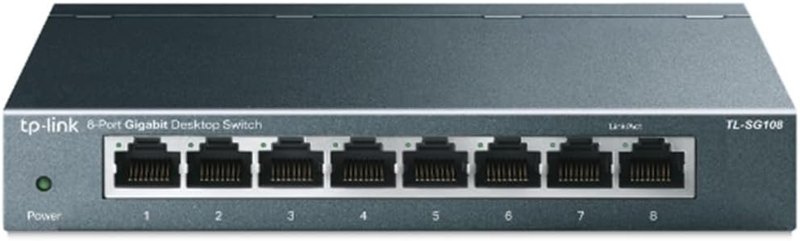
TP-Link 8-port gigabit switch× 1
Ties the Wing and the computer together on the Dante network. Mine is a few gigabit switches on their own network with nothing else on it.
Software
- Audacity: Free, Windows and Mac. Records up to 48 channels from the Wing over USB, but it can't play those 48 channels back into the board, so it's for recording only.
- Adobe Audition: Paid. Records and plays back, so it handles the full virtual soundcheck over USB or Dante, and it's a full DAW if you want to edit the tracks.
- Dante Virtual Soundcard: Paid software from Audinate that turns your computer into a Dante device. Only needed for the Dante route.
- Dante Controller: Where you patch what goes where on the Dante network, Wing channels to computer channels, one green checkmark at a time.
Swap-outs
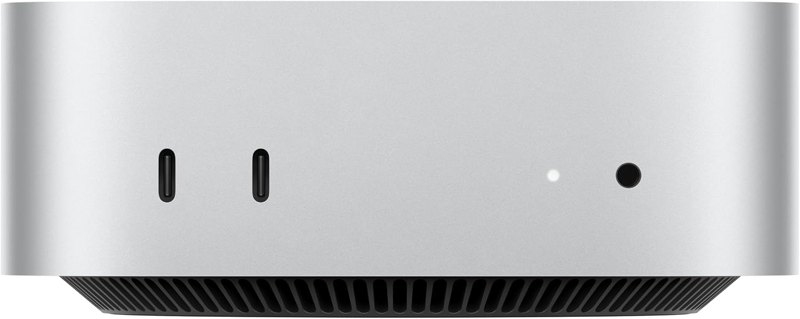 Apple Mac Mini (M4)A Mac mini works just as well as the recording computer. My 64-channel Audition recording runs on a Mac mini on the Dante network.
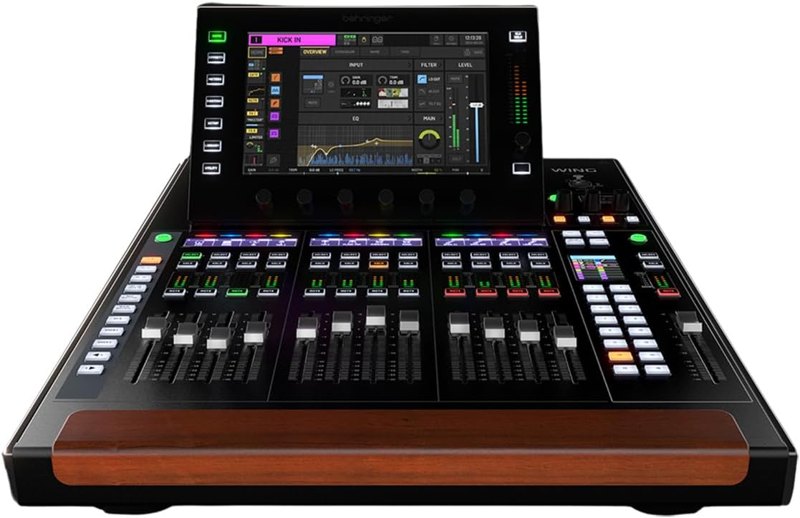 Behringer Wing CompactThe USB recording works on the Compact too, and on the rack version, not just the full-size Wing.
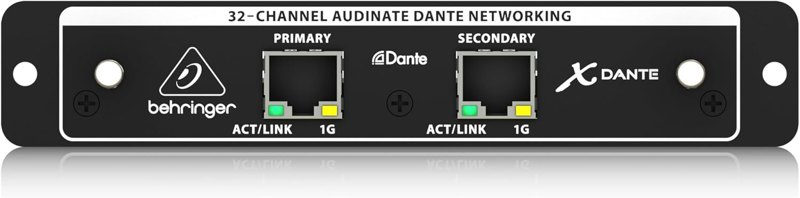 Behringer X32 Dante expansion cardOn an X32 you can multitrack record over USB as well, and there's a Dante card for it.
Good add-ons
Watch me set it up
Read the guides
Tips from my setup
- Record the raw signal, patched straight from the snake, not your processed channel. That way you can redo the EQ, gate and compression later. If you do want one processed channel, like the pastor's mic with EQ and compression, send it through a user signal set to post.
- Stereo sources take two USB channels, one left and one right, so add two mono tracks for each one.
- In Audacity, a track only records if it's selected. Click the first track, hold Shift and click the last one to grab all of them. In Audition, every track needs its R button lit red.
- Set Input Select to Global and set up every channel's alternate source once. Then one switch in Setup > Audio flips the whole board between live mics and the recording.
Questions people ask
Do I need Dante to multitrack record the Wing?
No. If you have a Wing and a computer, all you need is a USB cable and Audacity, and you can record 48 channels for free. Dante gets you 64 channels and puts the computer on the network instead of on the end of a cable.
Can I do a virtual soundcheck with Audacity?
Not really. Audacity records the 48 channels fine, but as a free program it doesn't let you play those 48 channels back into the Wing. For playback I use Adobe Audition.
Why does my recording have no EQ or compression on it?
Because it was patched from the source. That's usually what you want for a virtual soundcheck: you have the raw voice to play with and can refine the EQ after the vocalist leaves.
What does a virtual soundcheck actually get me?
You can refine a vocalist's EQ as if they were on stage, save it on the Wing, and they'll have that new EQ the next time they sing. You can also train other people without wasting the band's time.
Other kits
Wing Front-of-House Sound System
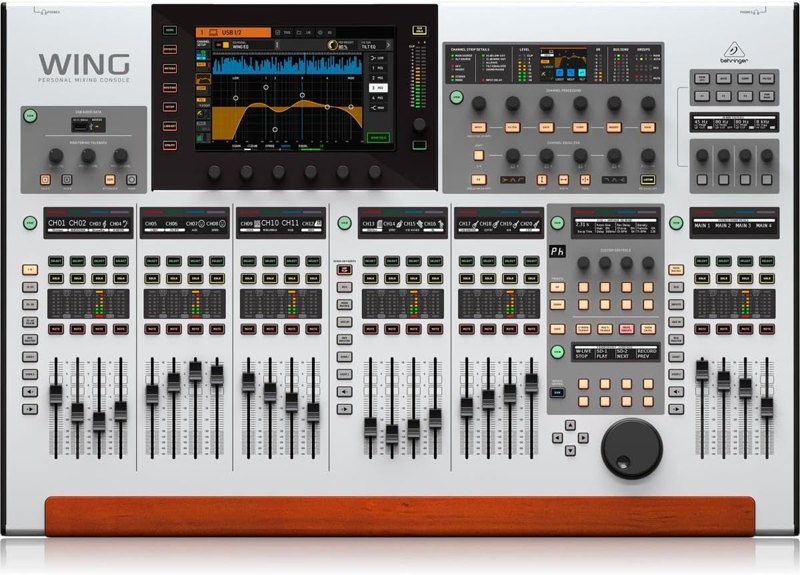
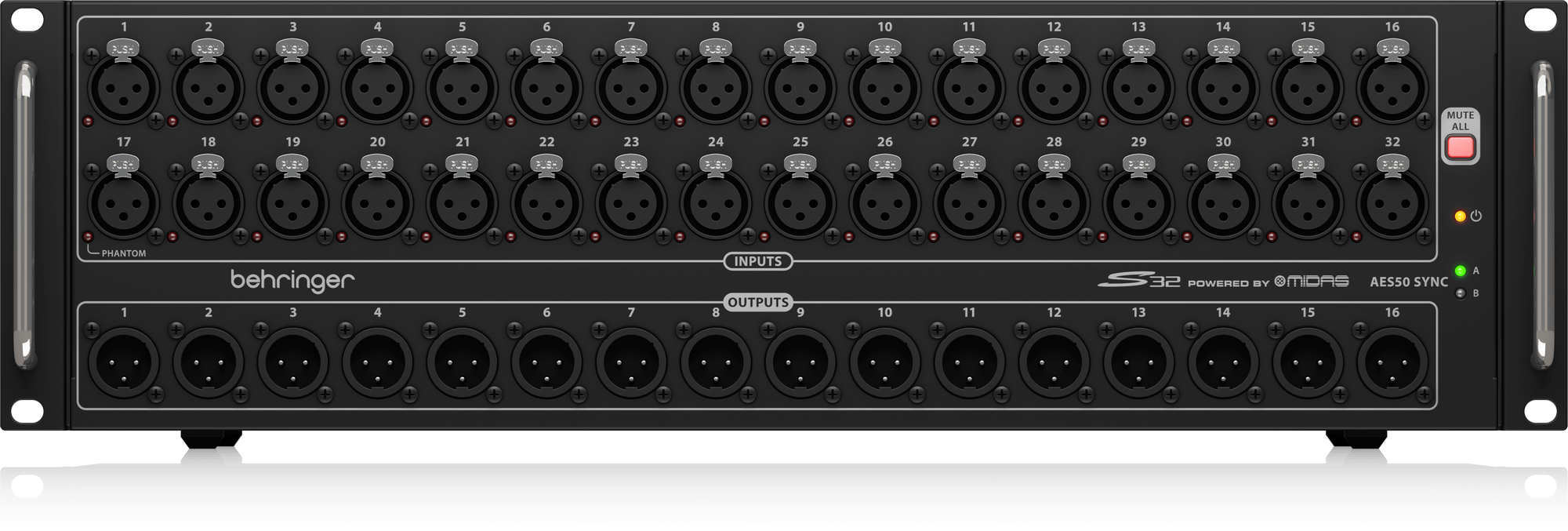
The Wing, a stage box, a Dante card and a USB drive: a front-of-house package built from gear I use.
See the kit →


ProPresenter Computer Setup
The Mac Mini, DeckLink Duo 2 and Sonnet setup I run ProPresenter on at every one of our locations.
See the kit →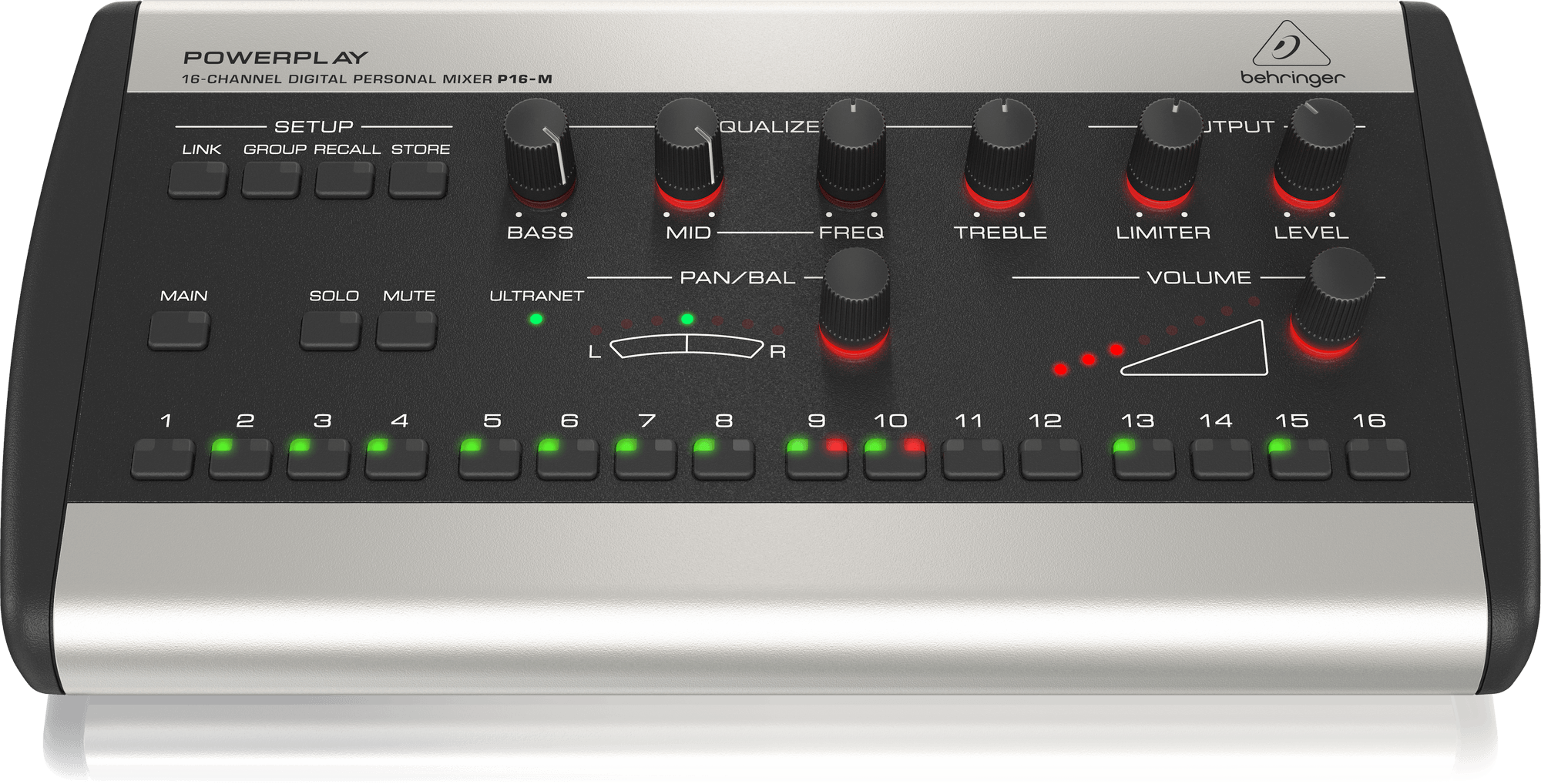
Personal In-Ear Monitor Kit
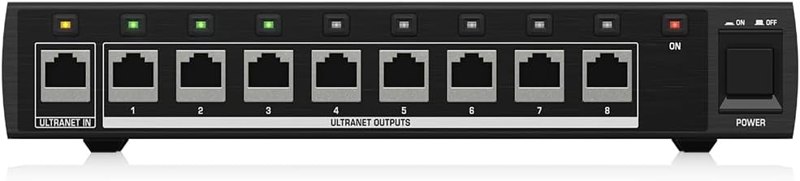
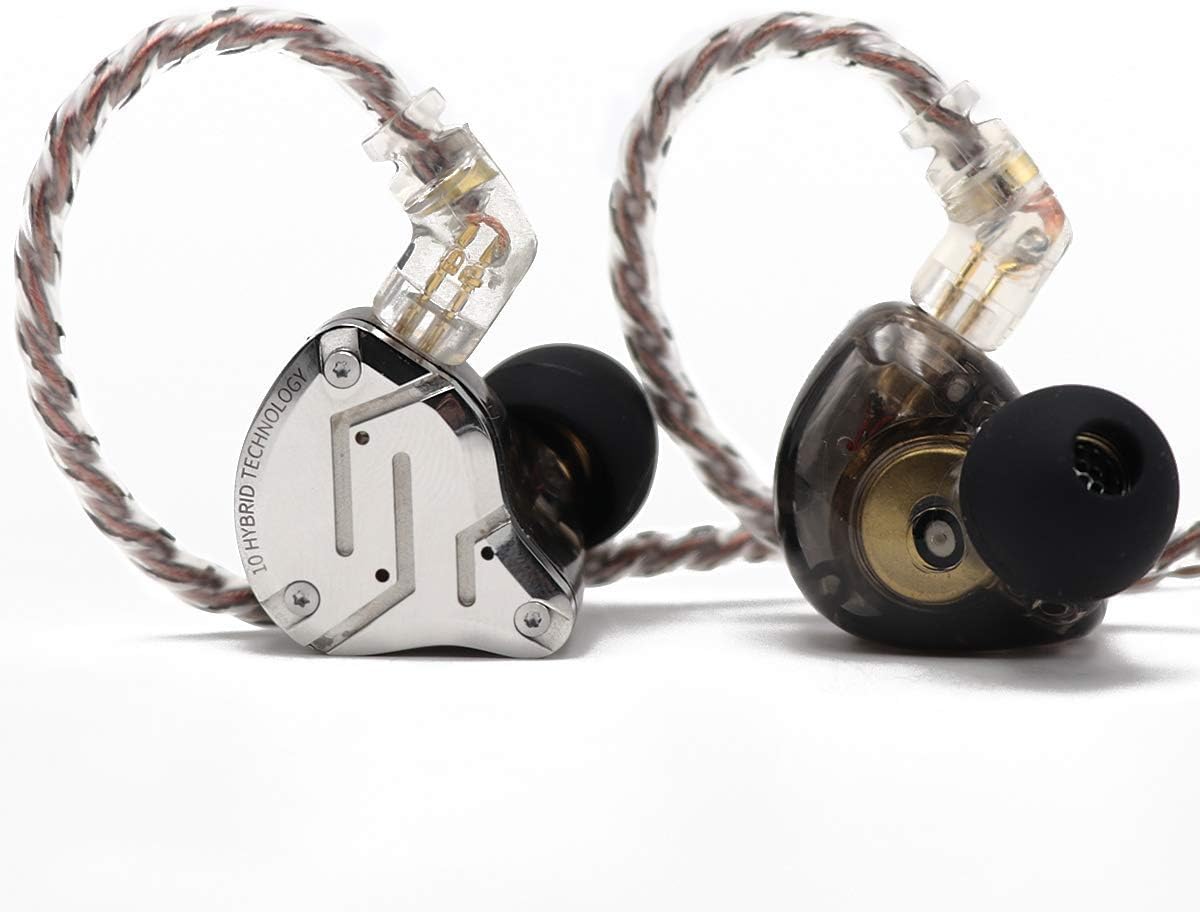
P16 personal mixers on a Wing: 16 channels per musician, mixed by the musician, instead of a stage wedge.
See the kit →Not sure what you need?
Ask me in the chat (bottom right) and I’ll point you to the video where I cover it, or book a session and we’ll work through your setup together. Or start from one of my gear kits.