
As an Amazon Associate I earn from qualifying purchases. The product links on this page are affiliate links: they cost you nothing extra, and they help pay for the tutorials.
One button box at front of house for ProPresenter, your ATEM, Videohub, lighting and Playback.
Tech directors and volunteers who need to cue lyrics, cameras, video routing and lights from one spot, especially on smaller events where one person is running everything.
See what’s in the kitWatch how it’s set upI use the Stream Deck pretty much every day. It comes with its own software, but I run it with Bitfocus Companion, a free, open source app that lets it control almost everything in a production: ProPresenter, Blackmagic ATEM switchers and Videohubs, a GrandMA console, MadMapper, Playback and more.
The real trick is stacking. One button can start the countdown video in ProPresenter and switch the ATEM to the right input at the same time. On a smaller event where I'm running audio by myself, I can change lights, cameras and ProPresenter from the buttons right next to me.
How it fits together
It connects over USB to the computer running Companion. Companion runs a little local web server, so set it to run at login and start minimized; if Companion isn't running, the Stream Deck won't work.
In Companion's Connections tab, add ProPresenter, the ATEM, the Videohub, the GrandMA or a generic OSC connection, and fill in the IP address (and port or password where needed). A green check under Status means it can talk to it.
In the Buttons tab, create a button, name it, set colors or an image, and add a press action: a ProPresenter slide, an ATEM program input, a Videohub route, a GrandMA command line, an OSC message.
Add more actions to the same button so one press does several things, with a delay between them if you need it.
Feedback changes a button's color when, say, that camera is on program. Use a launch page of shortcuts to pages for ProPresenter, lighting, the switcher and playback.
What’s in the kit

Elgato Stream Deck MK.2 (15 keys)× 1
The 15 button Stream Deck is the one I use for the setup tutorials. It's plenty for a dedicated controller, like ATEM camera cuts and fades, and Companion gives you as many pages as you need.
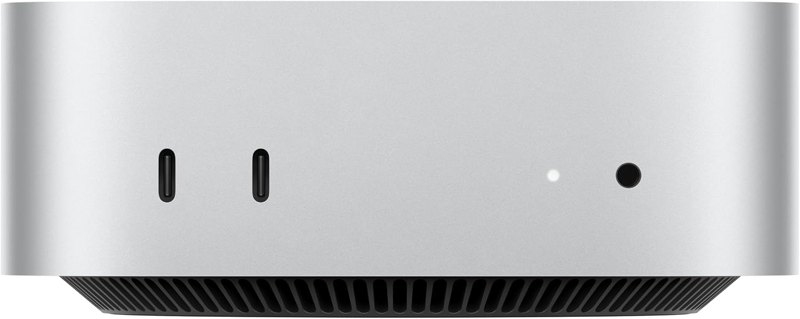
Apple Mac Mini (M4)× 1
The computer Companion runs on. At front of house my Stream Decks plug into a Mac mini, and the one in the video room runs off a Mac mini too.
Software
- Bitfocus Companion: Free, open source. This is what lets the Stream Deck control ProPresenter, Blackmagic gear, GrandMA, MadMapper and anything that speaks OSC.
- ProPresenter 7: Turn on Network, note the IP and port, enable the remote and controller, and set a password so Companion can control it.
- MadMapper: Receives OSC from Companion to fire light scenes; the port and OSC address have to match on both ends.
Swap-outs
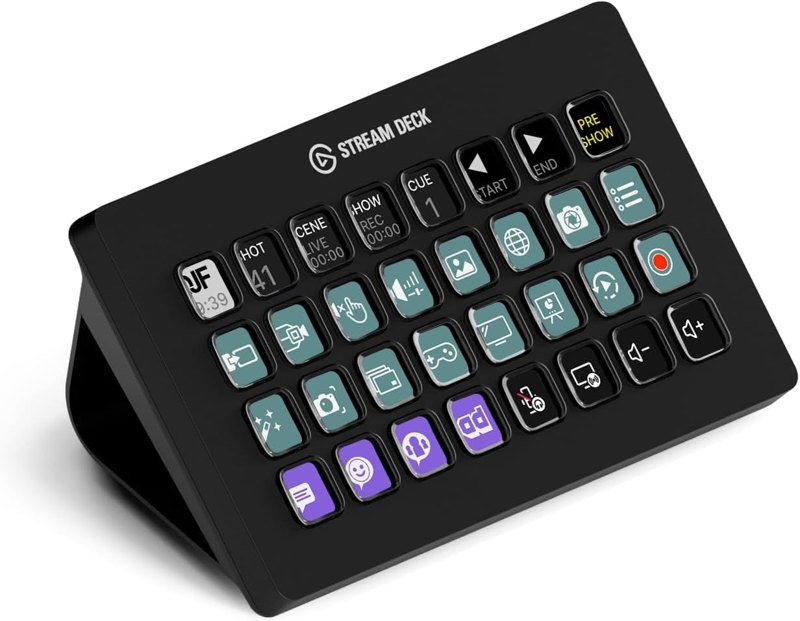 Elgato Stream Deck XL (32 keys)The 32 button version, the one I link in my Companion tutorials. More buttons on screen at once for a front-of-house do-everything page.
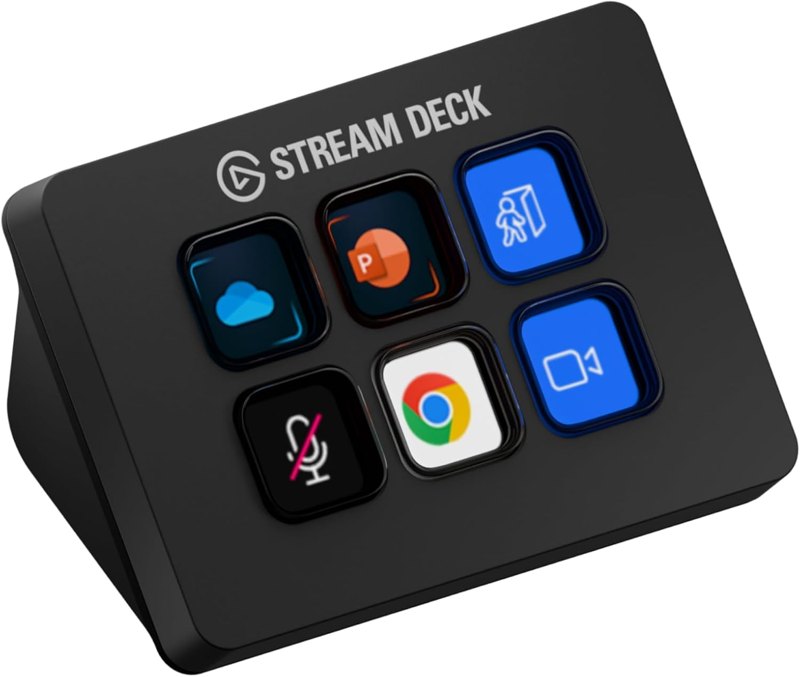 Elgato Stream Deck Mini (6 keys)The 6 button version, for a small job with only a few cues.
Good add-ons
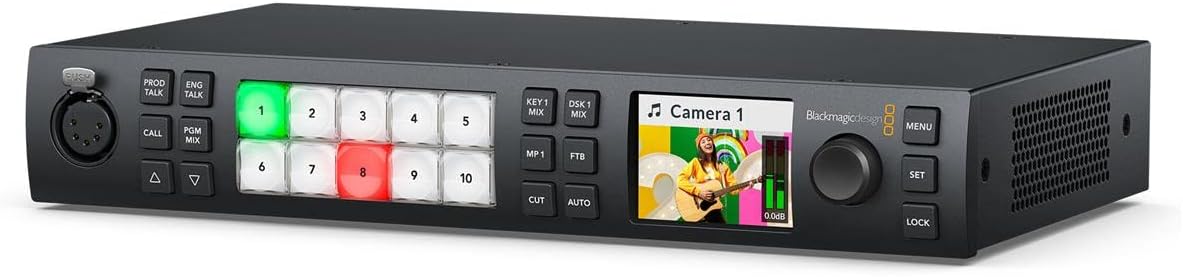 Blackmagic ATEM 1 M/E Constellation HDThe ATEM switcher I use the most at our locations; Companion controls all of Blackmagic's switcher models.
 ATEM 2 M/E Constellation HDThe switcher I program in the ATEM video. On a multi M/E switcher you choose which Mix FX bus a button works on.
Watch me set it up
Tips from my setup
- In the ProPresenter slide action, playlists and items count from zero but slides count from one. My countdown was my fifth playlist, second item, first slide, so the path was 4:1 and slide 1.
- Color-code your camera buttons. I use red text for hard cuts and green for previews, then add ATEM feedback so the live camera's button turns red.
- Build double cues. My bumper and countdown buttons start the video in ProPresenter and switch the ATEM to the full screen video input with one press.
- Run two Stream Decks off one computer. At front of house mine share the same pages, so I show a different page on each and get twice as many buttons at once.
Questions people ask
Do I need Companion, or is the Elgato software enough?
The Stream Deck software can do quite a bit out of the box, but to control most of the stuff I use you need Companion. I run Companion natively and don't use the Stream Deck software at all.
Does the Stream Deck have to be on the same computer as ProPresenter?
No. The ProPresenter machine can be the same computer the Stream Deck is on or a different one on your network. You just type in its IP address.
Can I control lighting from it?
Yes. With a GrandMA you set up the IP and a username and password, and anything you can type into the console's command line you can put on a button. MadMapper and other lighting software can be triggered with OSC.
Can one button do several things?
Yes. You can stack actions, so one press might change the lights, put the series graphic on the LED wall and switch the ATEM to camera 2. You can add delays between them too.
Can I run more than one Stream Deck?
Yes. Companion detects more than one, and I run two on the same computer at front of house so I can show different pages on each.
Other kits
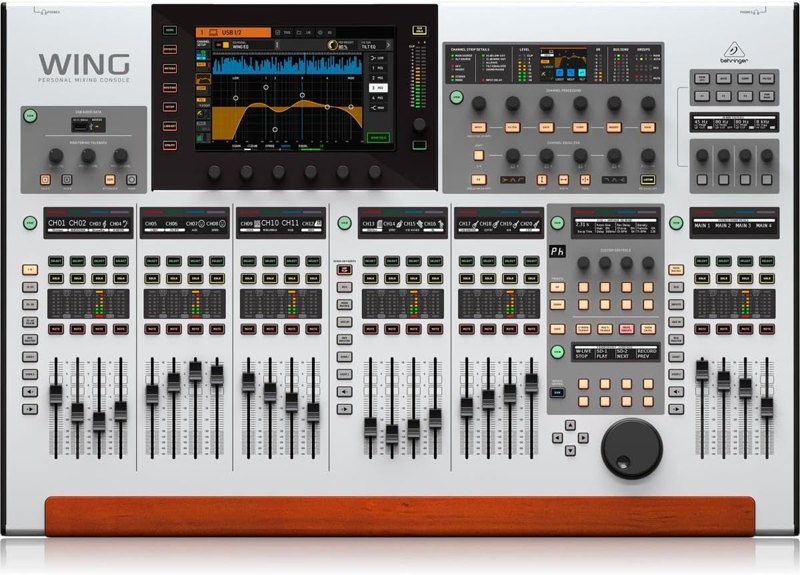
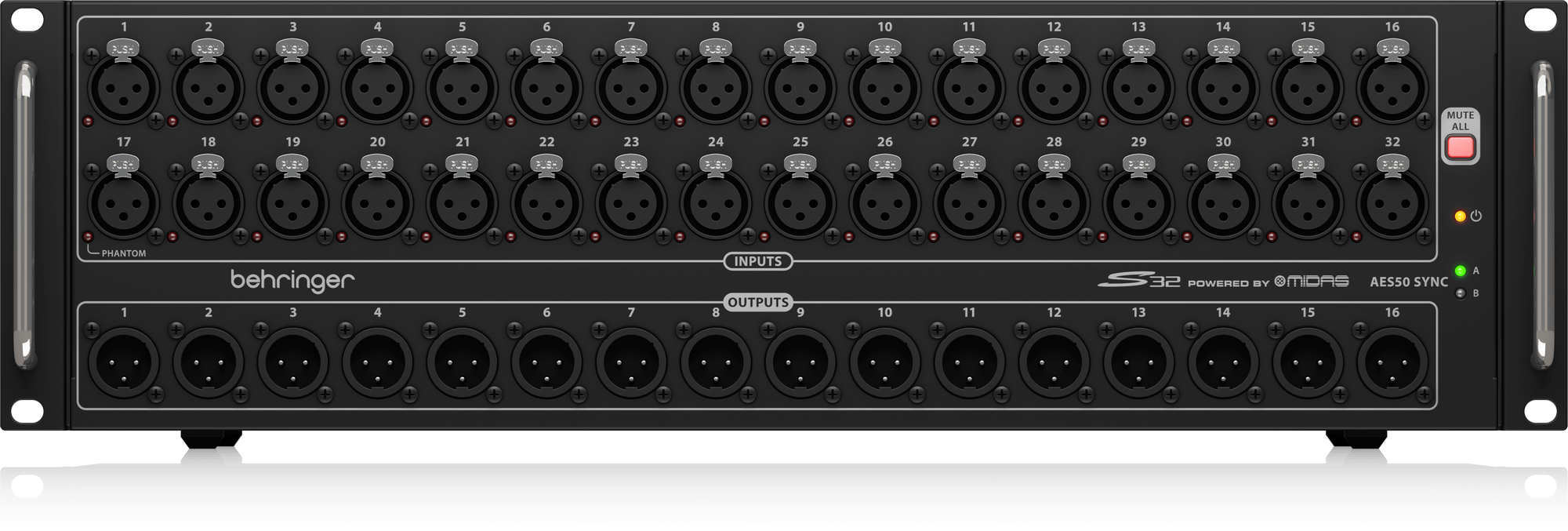
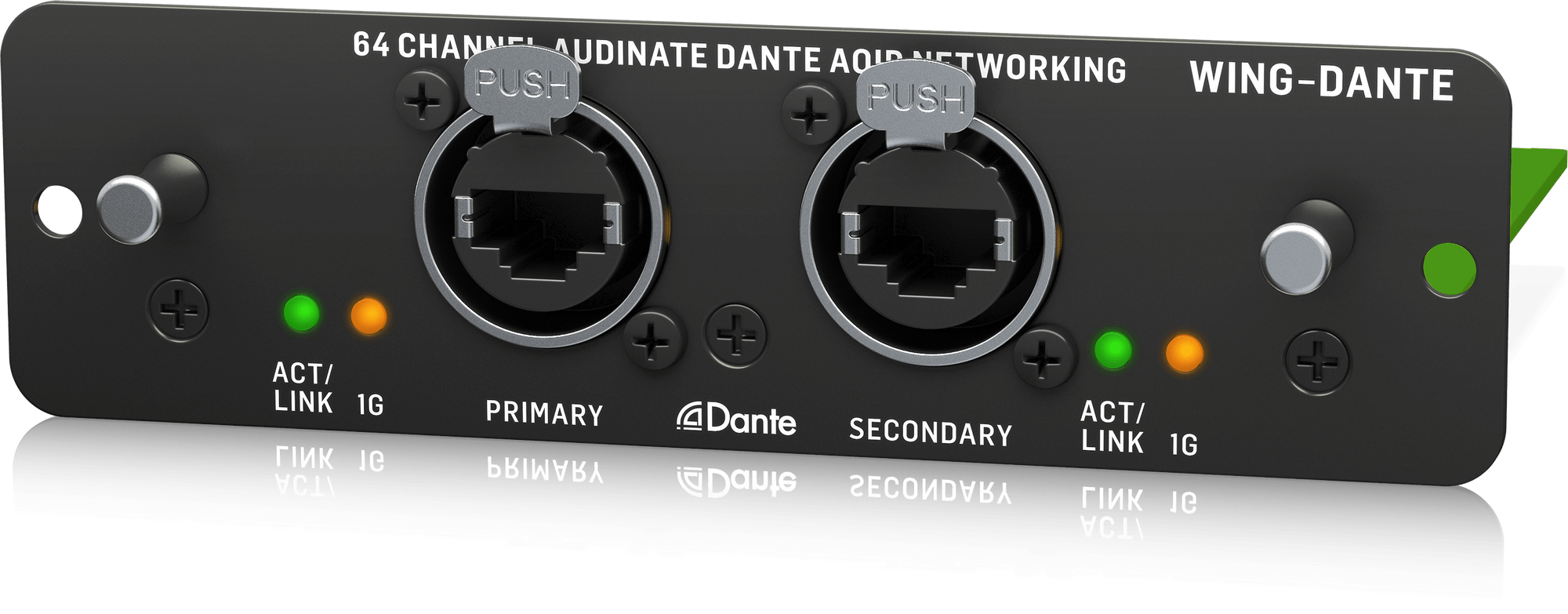
Wing Front-of-House Sound System
The Wing, a stage box, a Dante card and a USB drive: a front-of-house package built from gear I use.
See the kit →


ProPresenter Computer Setup
The Mac Mini, DeckLink Duo 2 and Sonnet setup I run ProPresenter on at every one of our locations.
See the kit →
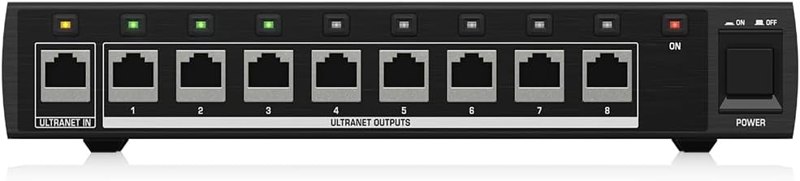
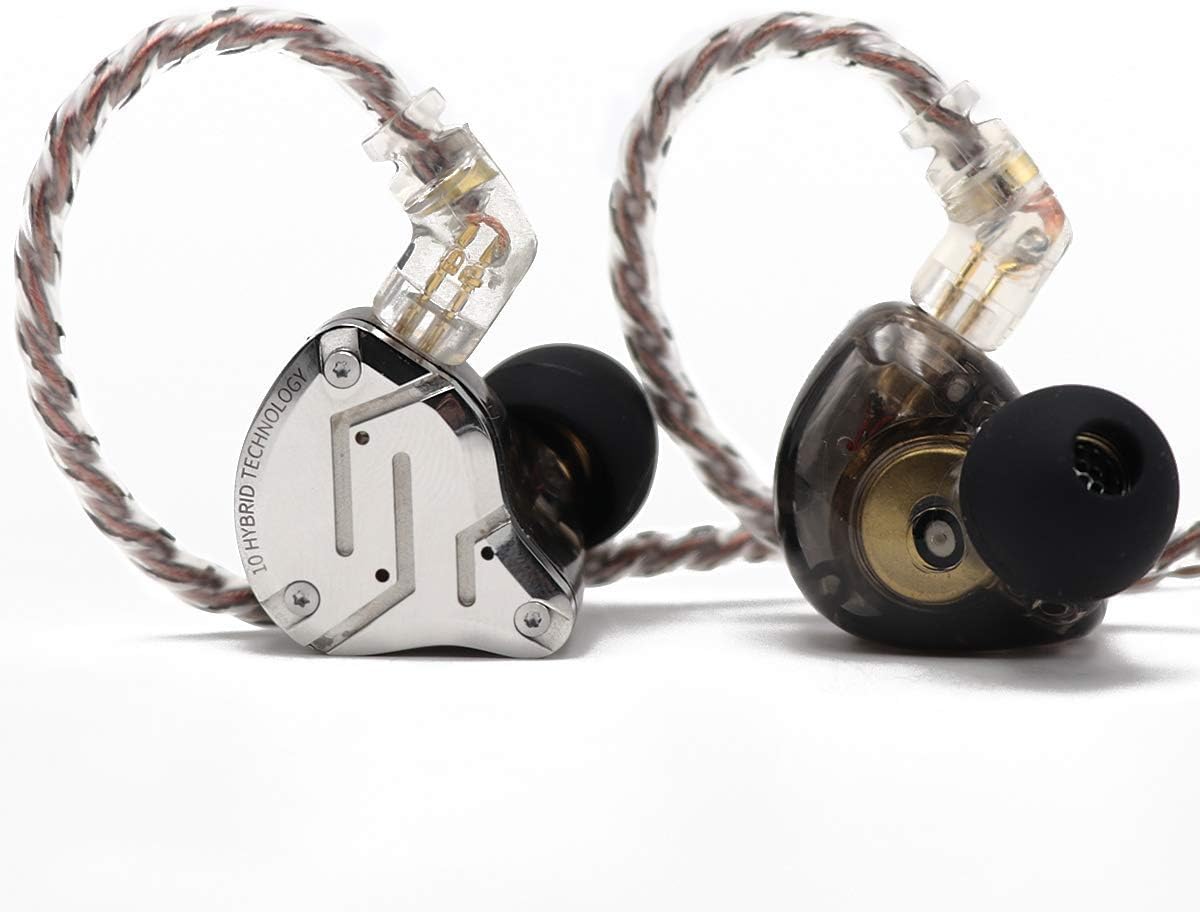
Personal In-Ear Monitor Kit
P16 personal mixers on a Wing: 16 channels per musician, mixed by the musician, instead of a stage wedge.
See the kit →Not sure what you need?
Ask me in the chat (bottom right) and I’ll point you to the video where I cover it, or book a session and we’ll work through your setup together. Or start from one of my gear kits.