What’s New in Behringer Wing Firmware 3.1.1 (Release Notes Explained)
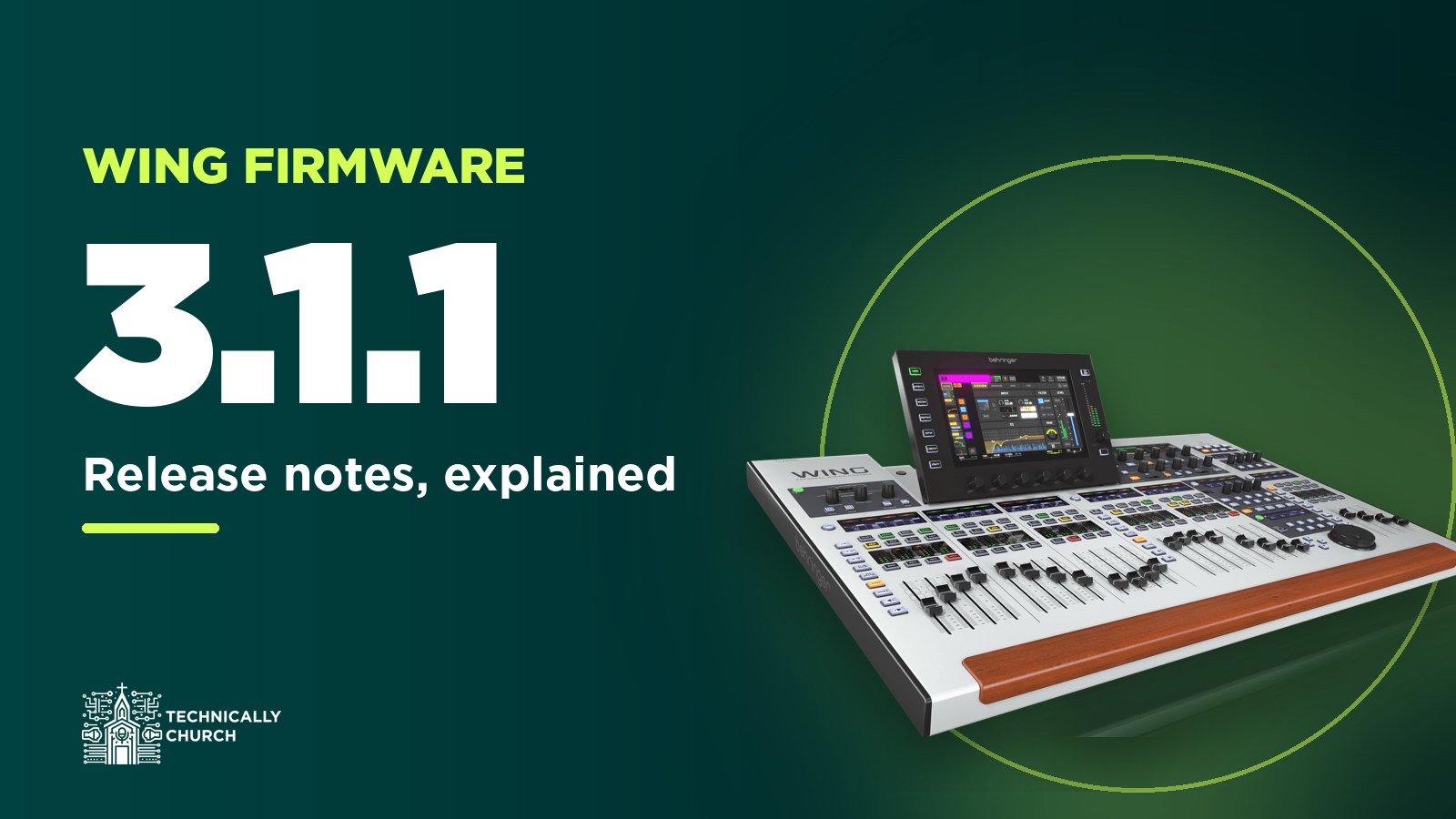
Behringer released Wing firmware 3.1.1 on June 1, 2026. It’s a point release on top of 3.1, but it’s not just bug fixes. User patches, send faders and the shutdown button all get real updates. I’m going to go through the release notes and explain what each item means on the console, and where I’ve already got a video or post that’ll help.
Get the files: firmware 3.1.1 for the full-size Wing (and Wing BK), the Wing Compact and the Wing Rack is in my Behringer Wing firmware archive, along with Behringer’s release notes as a PDF. Every console has its own file, so grab the one for yours.
User patches get gain, phantom power, mute and polarity
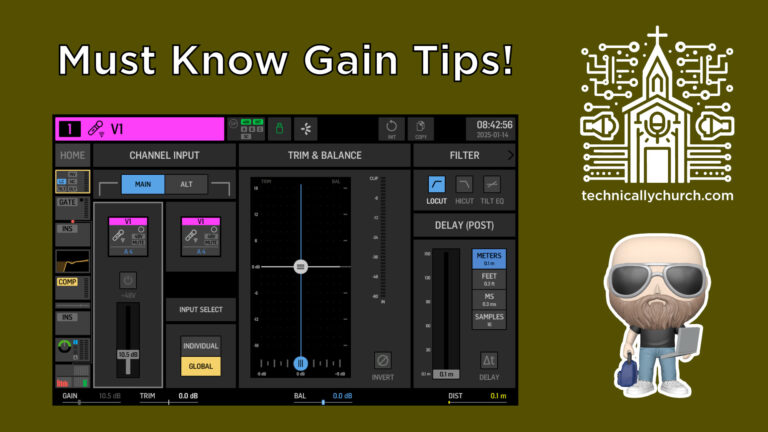
The headline for me is user patches. In 3.1, preamp gain and phantom power showed up on the User Patches screen. In 3.1.1, user patches now include gain and phantom power control for their assigned sources.
User patches also now follow the mute and polarity status of their assigned sources, in addition to their own mute and polarity settings. So if the source is muted or flipped, the user patch follows it. That lines up with two user patch fixes from 3.1, where polarity was ignored under specific conditions and a patch wasn’t following the mute status of its source.
If you haven’t used user patching yet, this is a good time to learn it.
That’s my user patching tutorial for the Behringer Wing.
Send faders: pan, spill and selection
A big chunk of this release is about sends on faders, which is how a lot of us build monitor mixes. There’s a PAN control on send faders now, so you can set a channel’s pan inside a send, not just its level. That’s helpful for stereo in-ear mixes. If you mix in-ears this way, here’s my post on sending reverb to your vocalists in-ears, and if pre vs post is still fuzzy, pre vs post fader explains it.
Three more send fader items:
- There’s a Send Spill button on the BUS HOME page.
- Touching a send fader on the FADERS screen now selects the assigned channel.
- Send Faders Spill now uses the channel faders when all sends are set to GROUP mode.
I covered sends on fader for matrices back in sends on fader for matrices, and the same idea applies on the buses.
Resume after shutdown without a reboot
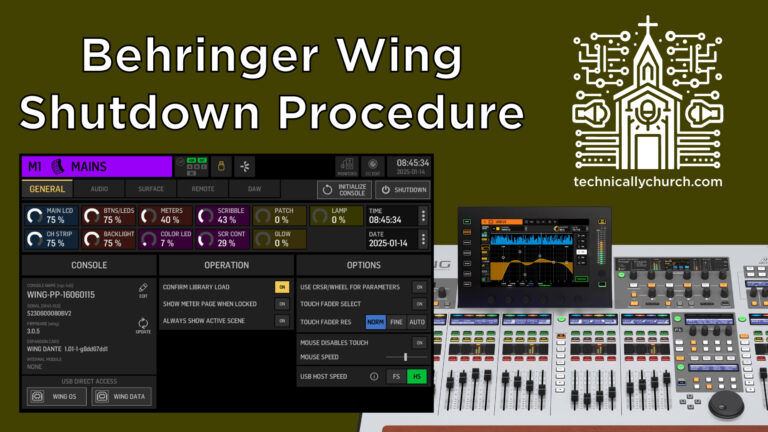
I always recommend using the Shutdown button instead of just flipping the power switch, because it saves the console state. I explain why in the Wing shutdown setting you should be using. The catch was that once you’d shut down, you had to power cycle to get going again. In 3.1.1, pressing EFFECTS and METERS together after shutdown resumes console operation without a reboot. So if you hit Shutdown and then realize you need the board again, you’re not stuck waiting on a full reboot.
Sources and StageConnect
3.1 let you select multiple sources by sliding across the screen. Now you can hold UTILITY after selecting them to add or remove sources from that selection, so you don’t have to start over if you grabbed one too many. If you’re cleaning up sources, here’s resetting a source the right way.
There’s also gain and phantom power control over StageConnect for new StageConnect-based I/O interfaces.
Shows and scenes
If no scene is selected, pressing GO NEXT or GO PREV now always loads scene #1. That’s a nice safety net when you run your service from a show, because you always know where GO is going to start. Here’s how I build and run a show on the Wing, and shows, snaps and snips if you’re just getting into it.
Effects and plugins
- The DUCKER hold time goes up to 30 seconds. In 3.1 it went to 4000 ms, so that’s a big jump.
- The ULTRA ENHANCER and PSYCHO BASS effects get a “Dry” switch label.
- The LIMITER in the MASTERING plugin now defaults to off.
- The TAPE MACHINE inside the MASTERING plugin now uses the same settings as the standalone TAPE MACHINE effect.
USB playlists
Playlist selection now advances to the next item after an automatic stop. In 3.0.6, Behringer let you hold STOP to set every clip to stop when it finishes. With this change, after a clip stops on its own, the next one is already selected and ready to go. If you play walk-in music or video audio off a USB stick, here’s how to load and play USB audio files on the Wing.
What got fixed
- Layer names weren’t updating automatically when they were changed remotely. If you rename layers from WingEdit or an iPad, that’s fixed.
- Older snapshots containing the Aux Channel Dynamics Combo plugin weren’t loading correctly. If you’ve got old snapshots you still load, here’s a refresher on saving vs updating snapshots.
- CC assignments to DCA MUTE, DCA FADER and MUTE GROUP weren’t loading correctly.
- Customization Link used the wrong colors for gray and white. I explain what that setting does in what Link Customization to Source actually does.
The SETUP screen layout was also updated to make room for future enhancements, so don’t be surprised if it looks a little different.
Before you update
Back up first. Here’s how I back up my Wing to USB. Then grab the file for your console. The full-size, Compact and Rack all have their own.
So that’s firmware 3.1.1: gain, phantom, mute and polarity on user patches, pan and spill on send faders, resuming after shutdown without a reboot, GO NEXT always starting at scene one, and a handful of fixes for snapshots, CC assignments and remote layer names.