MIDI Magic: Controlling Lights and Visuals with the Behringer Wing
Harnessing the Power of MIDI on the Behringer Wing for External Control Introduction The Behringer Wing…

Tutorials cover the Behringer Wing console, including firmware updates, AES50/Dante linking, Waves SuperRack external processing, Snippets, and iPad remote mixing. Additional guides show USB routing to Audacity or Adobe Audition, latency measurement, custom layouts, tap‑tempo delay/reverb, and vocal monitor setups.
Harnessing the Power of MIDI on the Behringer Wing for External Control Introduction The Behringer Wing…
Mastering the Mix: Inside The River Church’s Behringer Wing Setup Introduction The Behringer Wing mixer has…
Optimizing Live Performance Workflow with User-Defined Keys on the Behringer Wing Introduction In the world of…
Enhancing Live Performances with USB Audio Integration on the Behringer Wing Introduction In the dynamic environment…
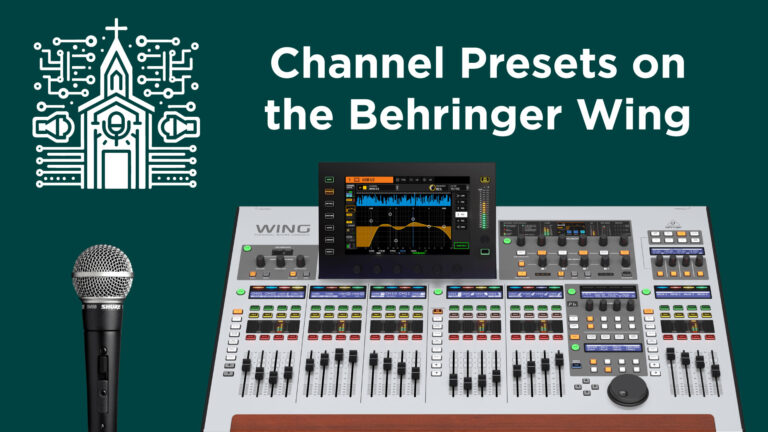
Streamlining Vocal Mixes with Channel Presets on the Behringer Wing Introduction Managing a large team of…
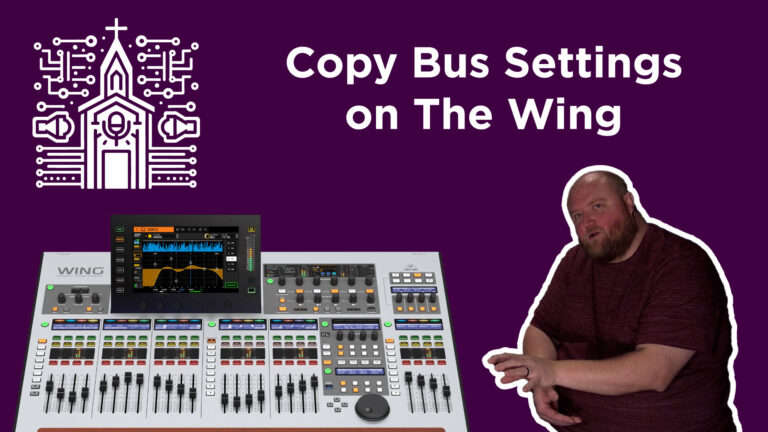
Introduction Achieving a consistent sound across multiple in-ear monitor mixes is crucial for live performances, ensuring…
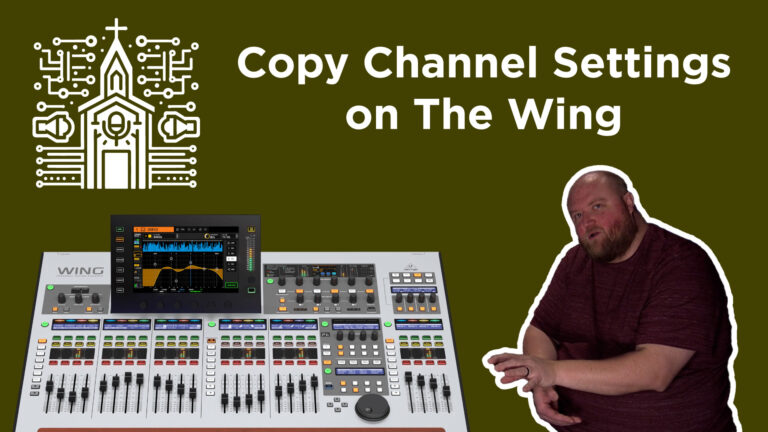
Introduction In live sound and studio environments, consistency across channels is key, especially when dealing with…
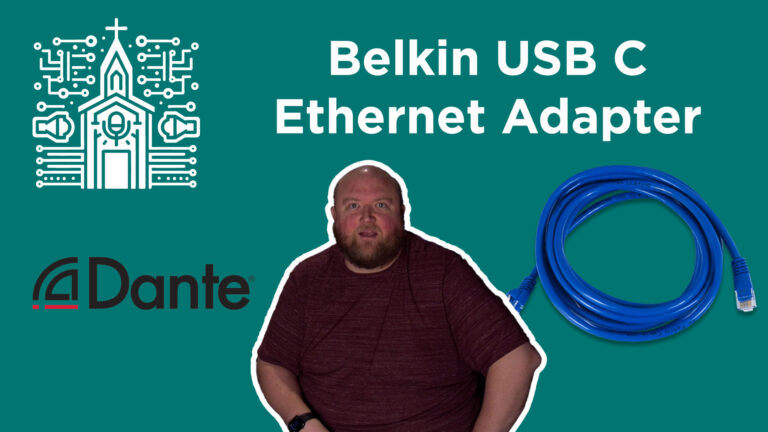
Belkin USB-C to Gigabit Ethernet Adapter: The Ideal Companion for Apple Users in Dante Networks Introduction…
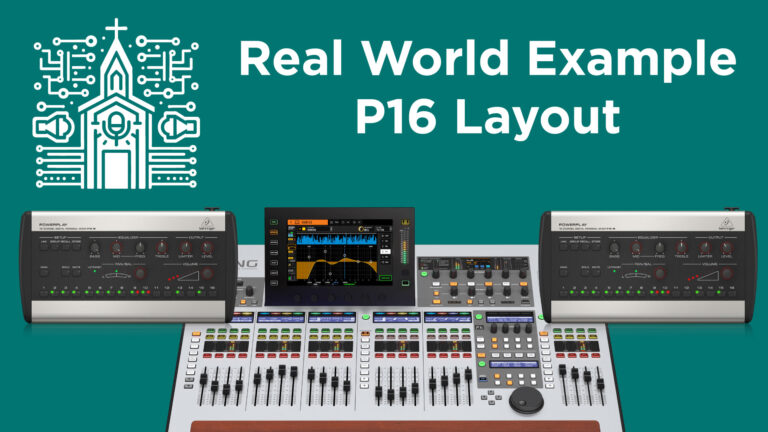
The article describes how The River Church effectively uses Behringer P16 personal monitors with a Behringer Wing mixer to manage a full band and multiple vocalists. It details their innovative setup, including the division of vocalists into lead and background channels, direct channels for instruments, and grouped buses for drums and tracks. This configuration allows for efficient use of the limited channels while ensuring each musician has the necessary mix for their performance.
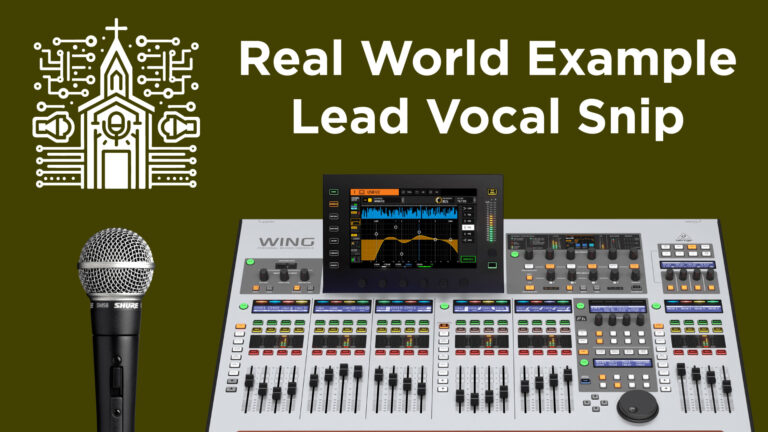
The article describes how Snips on the Behringer Wing mixer can be used to efficiently manage vocal channels in a live setting. It covers the selective recording feature of Snips, their practical application in changing assignments for lead and background vocalists, and integrating these settings into the live performance workflow. This method allows for quick and precise changes to vocal channels, ensuring each song is tailored to the specific requirements of the performance.