Behringer Wing and Dante: A Practical Guide for Churches
How I run Dante on the Behringer Wing: the Dante card, Dante Controller, Virtual Soundcard, recording, Playback, two Wings, and firmware fixes.

How I run Dante on the Behringer Wing: the Dante card, Dante Controller, Virtual Soundcard, recording, Playback, two Wings, and firmware fixes.
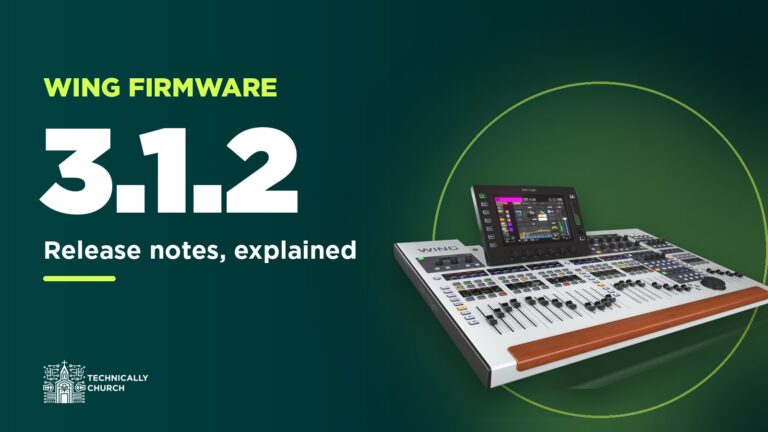
What’s in Behringer Wing firmware 3.1.2: the Dante card boot fix for BK3 modules, the processing-order latency fix, and the send fader pan indicator.
Behringer Wing problems I’ve hit and fixed: Dante dying after firmware updates, safe upgrades, initialize, lost settings, console lock and latency.
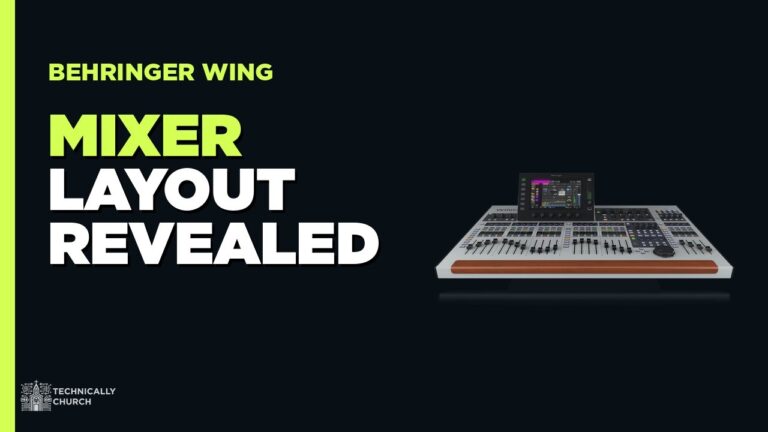
Just got a Behringer Wing? Here’s the order to learn it: layout, gain staging, routing, snapshots and shows, USB backups, then Dante and recording.

Tired of fumbling with Auto-Tune keys between songs? Unlock true set-and-forget automation! This guide reveals how to make your Behringer Wing command Waves SuperRack via MIDI, ensuring your vocal tuning is pitch-perfect for every song, every time. Ditch the stress and focus on the mix!

Unlock seamless live sound automation! This guide reveals how to control Waves SuperRack directly from your Behringer Wing using MIDI. Master two powerful methods—manual button triggers and fully automated show cues—to instantly recall plugin settings and transform your workflow. Don’t miss this essential upgrade!

Supercharge your Behringer Wing! Unlock the power of world-class Waves plugins for your live mix. This step-by-step guide demystifies Waves SuperRack Performer, covering everything from the USB connection to routing your first signal. Don’t miss out on this game-changing upgrade for your sound.

Tired of endless “more me” requests from the stage? Empower your musicians with personal monitor control! This definitive guide walks you through connecting your Behringer Wing to an iPad using the Wing Q app. Create a better, stress-free mix environment for everyone. You won’t want to miss this.

Unleash the full power of your Behringer Wing! Stop being chained to the sound booth. This guide provides a step-by-step walkthrough for connecting an iPad via Wing Copilot, turning your tablet into the ultimate remote mixing surface. Your workflow will never be the same.

Learn how to install and connect Behringer’s WingEdit software to your WING console for remote control, offline editing, and extended workflows. Ideal for worship tech setups, WingEdit enhances flexibility using a network-based connection and provides a virtual interface that mirrors and expands your live mixing capabilities.