What’s New in Behringer Wing Firmware 3.1 (Release Notes Explained)
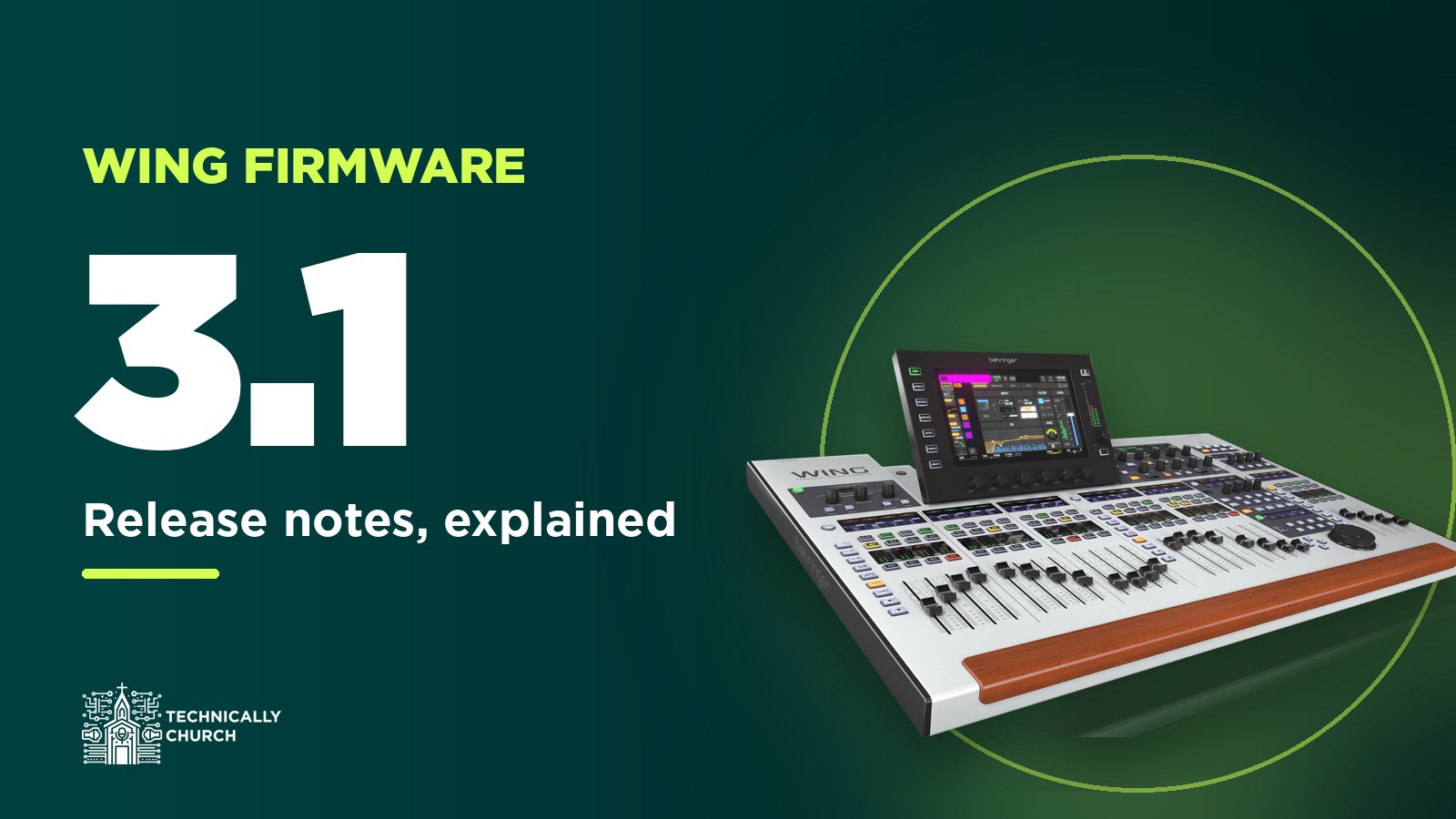
Behringer released Wing firmware 3.1 on November 7, 2025, and this is a big one. There are new compressor plugins, a dual-band dynamic EQ, way more processing on the aux channels, direct inputs to your headphones, a bunch of time savers on the bus and source screens, and a list of updates just for the Wing Compact. I upgraded my full-size Wing live on camera, and in this post I’m going to go through the whole release notes and explain what each part actually means when you’re mixing.
Get the files: firmware 3.1 for the full-size Wing (and Wing BK), the Wing Compact and the Wing Rack is in my Behringer Wing firmware archive, along with Behringer’s release notes as a PDF. Every console has its own file, so grab the one for yours.
That’s my live walkthrough of the Wing 3.1 upgrade. For me it went smoothly. After the update I tested my stage snake over AES50 and Dante both in and out, and everything was working. Back up before you start, though. Here’s how I back up my Wing to USB.
Dynamics: new compressors and a dual-band dynamic EQ
There are three new compressor plugins: the Even 88-COMP, the LMT Compressor and the One Knob Compressor. The One Knob is basically an auto compressor with just one setting, which makes it pretty easy to hand to a volunteer.
The bigger change is that all dynamic processors are now available in both the Gate and Compressor slots. Before, you had your gate options in the gate slot and your compressor options in the compressor slot. Now you can put a gate or a compressor in either one. There’s also a new dual-band dynamic EQ plugin in both slots. We’ve always had a dynamic EQ, which only changes the EQ curve when the signal crosses the threshold you set. Now you can do that on two different frequencies at the same time.
Aux channels get an expanded noise gate and compressor selection too. Aux channels have always had more limited processing than the main channels. Before, you basically had one option there. Now you have quite a few, although not every option is available.
A few smaller dynamics changes are in the list as well:
- The Ducker plugin’s HOLD time goes up to 4000 ms.
- The Gate and Ducker plugins get an infinite RANGE.
- Improved crossover filters and visualization on the dynamics, where the shaded area is what’s being compressed.
- A notch filter on the dynamics sidechains.
- The Auto Rider plugin now shows its maximum HOLD time correctly as “INF”.
Since you now have more choices in those slots, it’s a good time to remember you can change the order they’re processed in. Here’s how to reorder the processing chain per channel.
Direct inputs to your phones and speakers
In the monitoring settings for your headphones and local speakers, you’ve always been able to pick a source, set the level, add a delay and run a separate EQ. I delay my near-field speakers because I’m about 75 feet from the PA, so when I solo something it’s still in time with what I’m hearing. New in 3.1 is a direct input. So your source can be main one, and you can add channel one on top of it. Before, you’d have to build a bus to do that, which eats one of your mix buses. You’re limited to one direct-in channel at a time, but it’s really handy. If you need a refresher on the difference, here’s buses vs mains vs matrices.
Sources and user patches
On the SOURCES screen, you can now select multiple sources by touch and drag, and parameter changes apply to all of them. In my walkthrough I dragged across my ProPresenter and comm inputs and set both gains to 17.5 in one move. You can select a whole row of sources and make global changes at once, which is a great feature.
Preamp gain and phantom power are now on the User Patches screen too, where before you couldn’t get to either one there. Two user patch fixes came along with it: polarity was being ignored under specific conditions, and a user patch wasn’t following the mute status of its assigned source. If user patching is new to you, start with user patching on the Behringer Wing.
Buses: copy your front-of-house mix into a send
This one saves a lot of time. On the Bus Feed Configuration screen you could always set every send on a bus to 0 dB, -10 or off in one go. 3.1 adds an option to copy your channel fader levels into the sends. So you can take your front-of-house mix, drop it into an in-ear bus with one button, and then make one or two small adjustments instead of building the mix from scratch. That screen also shows channel names now instead of just numbers, which makes it a lot easier to read. I covered the screen itself in batch channel settings with the Bus Feed Config screen.
The INIT/COPY toolbox also adds bus-to-bus and bus/main-to-matrix feeds. Here are my older guides on the initialization and copy shortcuts and sending one bus into another.
The surface and custom controls
- Fader/Screen Layer Link: a new switch under Setup, Surface, lets the main display and the fader layer show different channels. If you’ve set up linked layers, this is the setting that decides whether the screen follows them.
- Custom Controls: press SETUP twice to get to the Custom Controls configuration screen faster. And if a custom control takes you to a fader or overview screen, pressing it a second time now takes you back to where you were.
- Insert effects: there’s a reset button for insert effects that doesn’t change the processor model.
- Colors: channel and source colors are optimized for the TFT displays, with an expanded color selection. If you’ve built your own custom layout, you’ll notice it.
Wing Compact updates
Three items are just for the Compact. The main fader can be assigned to all channels, there’s a new “Keep Main Fader” option, and DCA spill mode can be turned on by pressing the SELECT button on the DCA you want.
Recording and USB
The USB 4-Track Recorder’s destination folder can now be changed with a REC PATH button. There’s a new option to stop SD recording when an error pop-up shows up. And two USB audio interface fixes are in here: playback stopping after errors (often caused by electrostatic discharges), and sporadic issues at a 44.1 kHz sample rate. If you multitrack record over USB, those are worth having. Here’s my free multitrack recording setup with Audacity.
Remote apps: 16 clients is now 24
The maximum number of remote clients goes from 16 to 24, so more iPads, phones and computers can be connected at once. Behringer says to make sure your network bandwidth supports it. One thing I noticed: if your iPad apps update before your console does, you’ll get an error on the iPad. Once the console was on 3.1, Wing Copilot connected with no errors. My guides on mixing the Wing from an iPad, the WING-Q monitor app and WingEdit all apply here.
Dante, snapshots and the firmware file name
- The WING-DANTE expansion card can now be used with the AoIP-WSG module. Behringer gives a registration string for that (CRD-WDWSG) and points to their AoIP module relocation instructions.
- Console initialization now overwrites the parameters you’ve selected in the Global Safe screen.
- The ALT Source switch moved from the CONN to the IN content category in the snapshot scope. If you save scoped snapshots, check yours. I explain scope in snapshot scope settings on the Wing.
- The firmware file for the WING and WING BK is now called “wing-fullsize”, so that’s the file name to look for.
Everything else that got fixed
- Tape Machine plugin frequency response.
- The NoStressor plugin adding unwanted distortion at certain parameter combinations.
- Graphic EQ fader selection using the cursor buttons on the WING and WING BK.
- The reset button on Shimmer Reverb and Stereo Flanger.
- The CC channel solo button now follows the exclusive solo setting.
- The wrong name for MIDI port #2 on the Wing Rack and Compact.
- Improved parameter resolution on some plugins, and graphic fixes on the Pulsar EQ, Fortissimo 110 EQ and Source Extractor.
So that’s Behringer Wing firmware 3.1: new compressors and a dual-band dynamic EQ, every dynamics processor in both slots, direct inputs to your phones, multi-select on sources, copying your fader mix into a bus, 24 remote clients, and a real round of updates for the Compact.