Quick Access on Behringer Wing: Assigning Snapshots to User-Defined Keys
Optimizing Live Performance Workflow with User-Defined Keys on the Behringer Wing Introduction In the world of…


Optimizing Live Performance Workflow with User-Defined Keys on the Behringer Wing Introduction In the world of…

Enhancing Live Performances with USB Audio Integration on the Behringer Wing Introduction In the dynamic environment…
Streamlining Vocal Mixes with Channel Presets on the Behringer Wing Introduction Managing a large team of…
Introduction Achieving a consistent sound across multiple in-ear monitor mixes is crucial for live performances, ensuring…
Introduction In live sound and studio environments, consistency across channels is key, especially when dealing with…

Belkin USB-C to Gigabit Ethernet Adapter: The Ideal Companion for Apple Users in Dante Networks Introduction…

The article describes how The River Church effectively uses Behringer P16 personal monitors with a Behringer Wing mixer to manage a full band and multiple vocalists. It details their innovative setup, including the division of vocalists into lead and background channels, direct channels for instruments, and grouped buses for drums and tracks. This configuration allows for efficient use of the limited channels while ensuring each musician has the necessary mix for their performance.

The article describes how Snips on the Behringer Wing mixer can be used to efficiently manage vocal channels in a live setting. It covers the selective recording feature of Snips, their practical application in changing assignments for lead and background vocalists, and integrating these settings into the live performance workflow. This method allows for quick and precise changes to vocal channels, ensuring each song is tailored to the specific requirements of the performance.
The article explains how to manage pre- and post-fader settings on the Behringer Wing mixer, both for its 16 buses and individual channels. It outlines the process of adjusting these settings in the ‘Bus Masters’ section and individual channel settings, providing the flexibility to have each channel follow the bus settings or have its own independent pre- or post-fader setting. This customization is essential for creating precise and functional audio mixes in various live and studio settings.
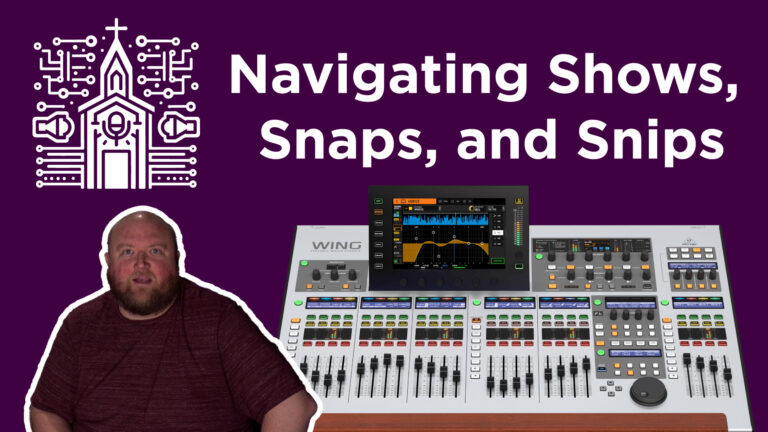
The article discusses the functionalities of Shows, Snaps, and Snips on the Behringer Wing mixer. Shows are collections of Snaps and Snips, serving as scenes for events. Snaps capture the entire board’s settings, with customizable scopes for selective parameter saving. Snips record only parameter changes, focusing on specific adjustments. The difference between saving and updating Snaps or Snips is crucial for comprehensive or scoped changes. Additionally, data can be managed and backed up via internal memory, USB drives, or computer connections.