As an Amazon Associate I earn from qualifying purchases. The product links on this page are affiliate links: they cost you nothing extra, and they help pay for the tutorials.
MultiTracks Playback over Dante into your Wing, with SMPTE timecode running your lyrics and your lights.
Worship teams that already play click, guide and tracks from Playback and want individual track control at front of house plus automated ProPresenter lyrics and lighting cues.
See what’s in the kitWatch how it’s set upWe use the Playback app from MultiTracks.com for click, guide and backing tracks. I send it over Dante into the Wing, so every track bus lands on its own channel and I can mix it however I want. No electric guitar player today? Turn the electric tracks on.
Playback can also send SMPTE timecode on its own channel. I use that to run automated lyrics in ProPresenter and lighting cues on our GrandMA2. Each song gets its own block of time, I record the cues once, and every time we do that song it plays back the same way.
How it fits together
Dante Virtual Soundcard on the Playback computer, the Wing's Dante card on the other side, and the two patched together in Dante Controller.
Playback gives you 16 audio buses plus a 17th for SMPTE. Pair your song's tracks down into those buses and patch each bus to a Dante channel. I use channels 1 to 15 for tracks.
On the Wing, Routing > Sources > Dante In shows those channels. Patch them to faders and mix the tracks at front of house.
Turn on SMPTE in Playback, match the frame rate your receiver expects (30 fps for my GrandMA2 and ProPresenter), and give it its own Dante channel. Mine is 16.
A Dante AVIO adapter takes that Dante channel and turns it into analog audio for the lighting console's timecode input.
Another Dante AVIO adapter feeds a simple Behringer USB interface on the ProPresenter computer. In ProPresenter, View > Timecode, pick that interface, channel 1, the matching frame rate and your timecode playlist, then engage it.
What’s in the kit
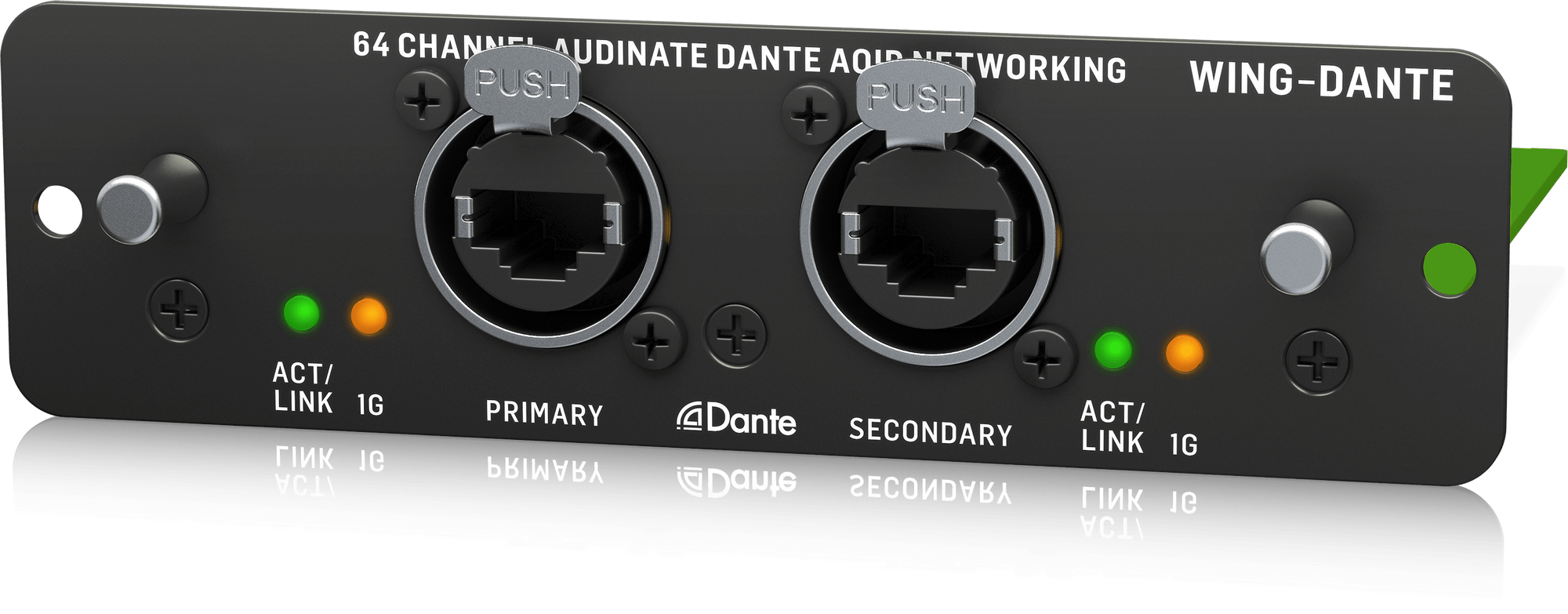
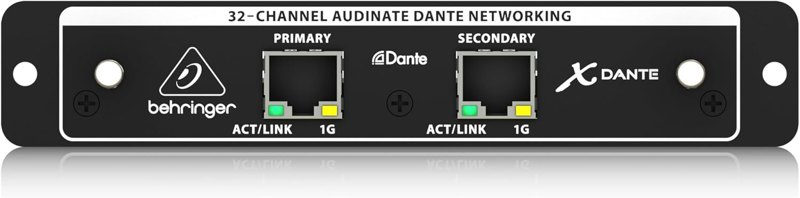
Behringer Wing Dante expansion card× 1
Puts the Wing on the Dante network with 64 channels in and out, so every Playback bus can come in on its own channel.
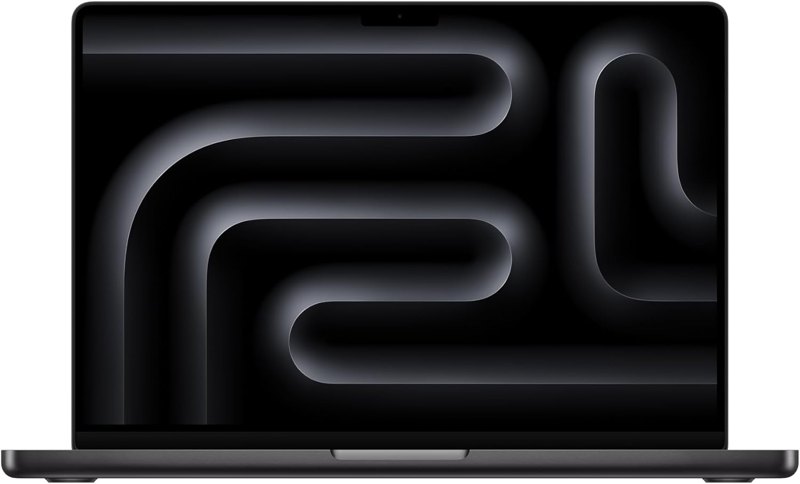
Apple MacBook Pro 14-inch (M5)× 1
The Playback computer. Mine is a MacBook Pro running Playback and Dante Virtual Soundcard, transmitting tracks and timecode onto the Dante network.

Belkin USB-C to Gigabit Ethernet adapter× 1
Gets a USB-C Mac onto the Dante network. This is the adapter that stopped the problems I had with third-party ones.
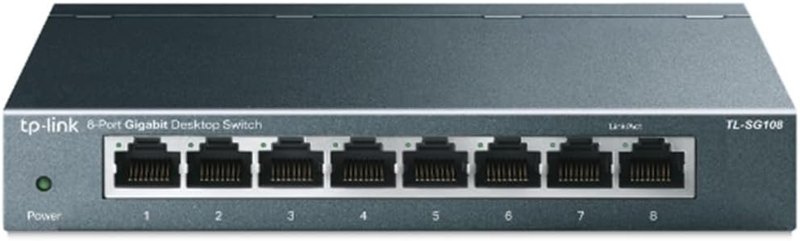
TP-Link 8-port gigabit switch× 1
Connects the Wing, the Playback computer and the AVIO adapters on their own Dante network.
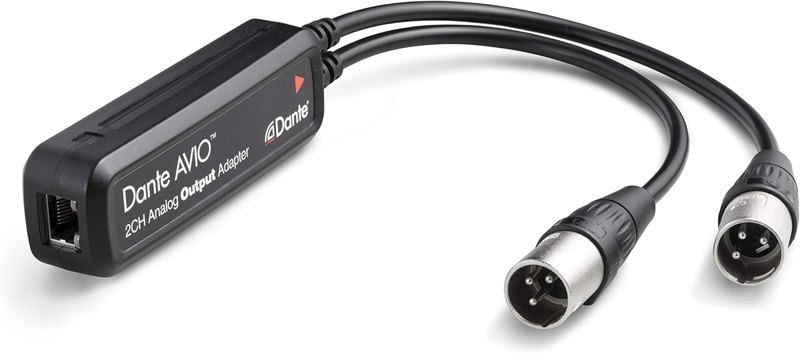
Audinate Dante AVIO analog output adapter× 2
Pulls the timecode channel off Dante as analog audio. I use one to get timecode into my lighting console and one to feed the ProPresenter computer's USB interface.

Behringer U-Phoria UM2× 1
A simple Behringer USB interface that gets the timecode audio from the AVIO adapter into the ProPresenter computer.
Software
- MultiTracks.com Playback: Plays click, guide and tracks, routes up to 16 buses to Dante and sends SMPTE timecode on a 17th.
- Dante Virtual Soundcard: Turns the Playback computer into a Dante device so Playback can pick Dante channels for its buses.
- Dante Controller: Patches the Playback computer to the Wing and the timecode channel to the AVIO adapters.
- ProPresenter 7: Receives timecode and plays back recorded slide cues for automated lyrics.
Swap-outs
Good add-ons

Watch me set it up
Tips from my setup
- Give every song its own block of timecode. I use 10 minute increments, so songs never overlap, and I keep a spreadsheet of which song lives at which time.
- Timecode can't share a bus. You can double up click and guide on one channel if you're short on faders, but SMPTE always needs its own.
- ProPresenter only reads timecode in one playlist at a time, so keep all your timecoded songs in one playlist. Mine is called songs-TC.
- Turn on 'follow default arrangement' in Playback (added in 8.1.5). Add an extra verse or chorus and the timecode jumps back to match the original arrangement, so your lyrics stay in time without reprogramming.
Questions people ask
How many tracks can Playback send to my console?
Playback gives you 16 audio buses, or 32 channels if you run them stereo, plus a 17th bus for SMPTE timecode. If a song has more tracks than that, you pair them down into the buses.
How many songs can I keep programmed?
Timecode only runs 24 hours. At 10 minutes per song, that's 142 songs ready to go at once. When a song comes off our list, I reuse its piece of timecode for a new one.
Can I record the lyric cues without the Playback computer?
Yes. If you have an MP3 of the same version, arrangement and tempo, drop it into ProPresenter's timeline and record the cues, accounting for Playback's count in. Then enable timecode later when you have your device. I do this partly because our Playback songs are rented for seven days.
What frame rate should I use?
Whatever your receiver is looking for, and match it on both ends. My GrandMA2 looks for 30 frames a second, and ProPresenter is set to match my Playback settings of 30 frames per second.
Other kits
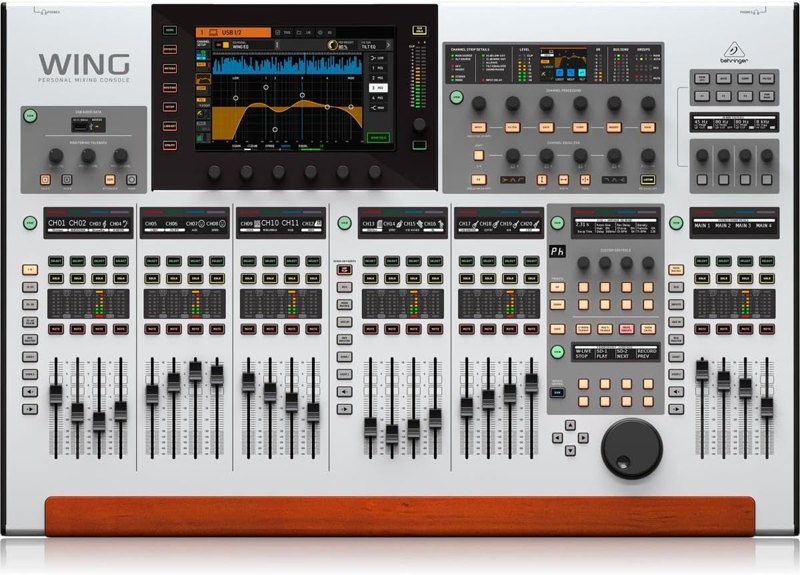
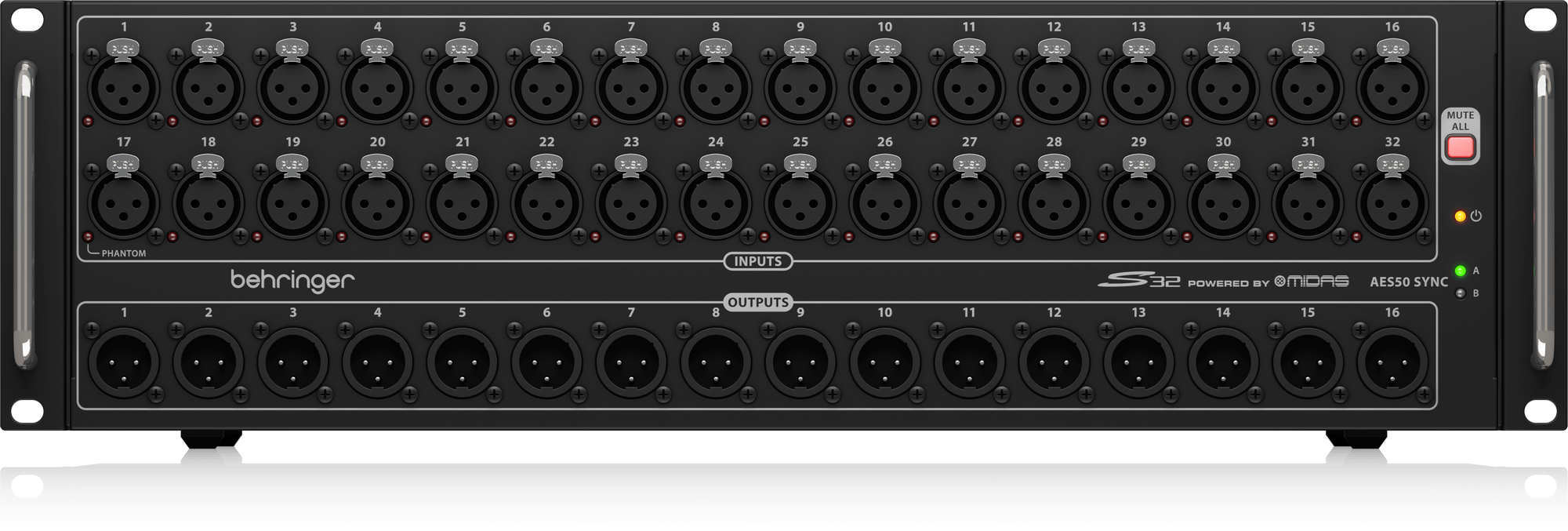
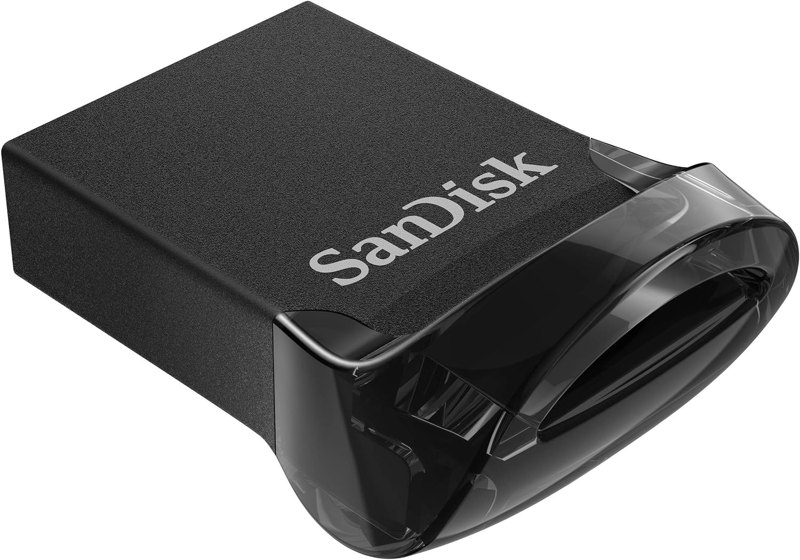
Wing Front-of-House Sound System
The Wing, a stage box, a Dante card and a USB drive: a front-of-house package built from gear I use.
See the kit →


ProPresenter Computer Setup
The Mac Mini, DeckLink Duo 2 and Sonnet setup I run ProPresenter on at every one of our locations.
See the kit →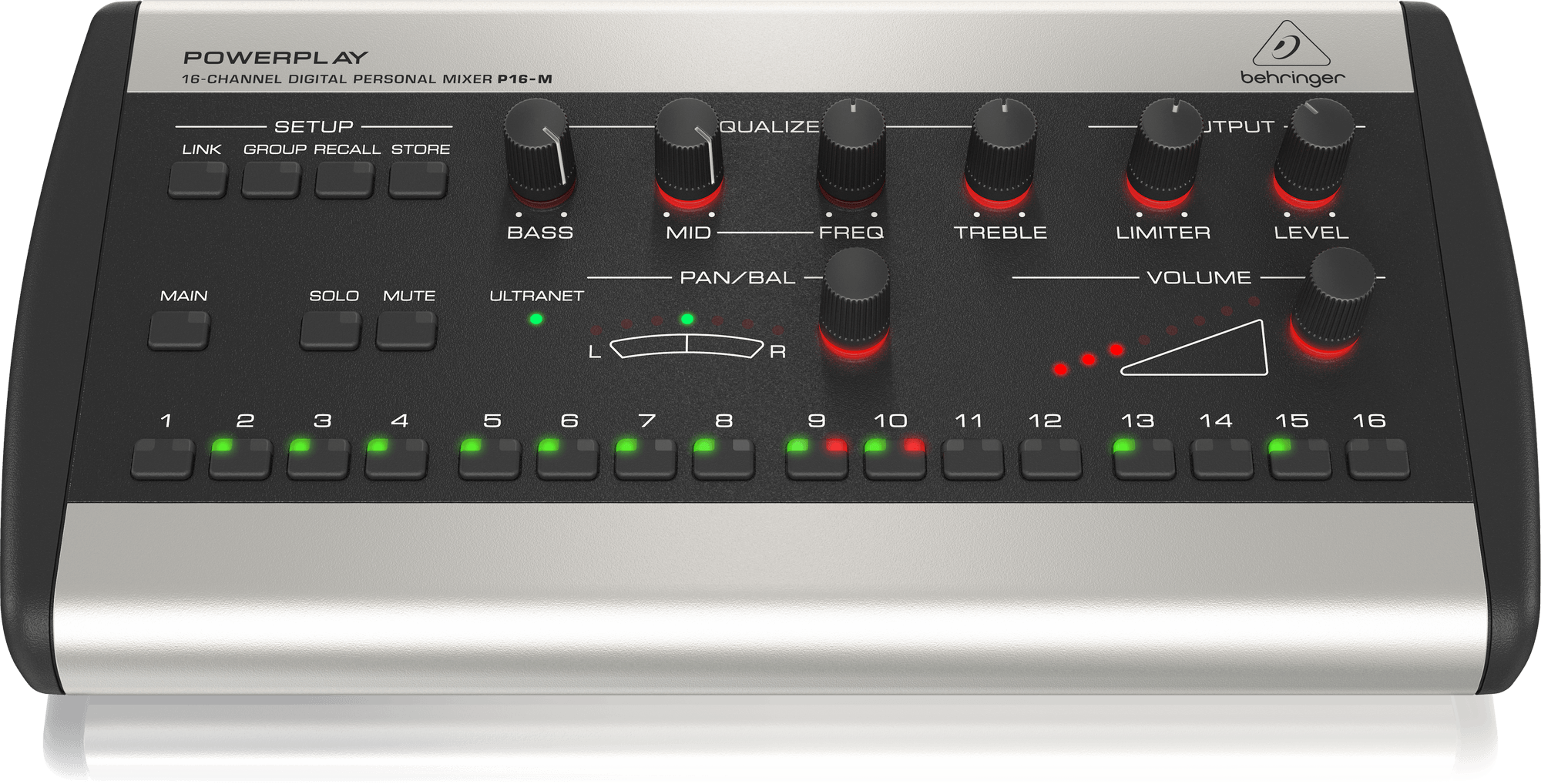
Personal In-Ear Monitor Kit
P16 personal mixers on a Wing: 16 channels per musician, mixed by the musician, instead of a stage wedge.
See the kit →Not sure what you need?
Ask me in the chat (bottom right) and I’ll point you to the video where I cover it, or book a session and we’ll work through your setup together. Or start from one of my gear kits.