As an Amazon Associate I earn from qualifying purchases. The product links on this page are affiliate links: they cost you nothing extra, and they help pay for the tutorials.
P16 personal mixers on a Wing: 16 channels per musician, mixed by the musician, instead of a stage wedge.
Church bands that want musicians mixing their own ears instead of asking front of house. Built around a Behringer Wing with an Ultranet stage box like the S32 or DL32.
See what’s in the kitWatch how it’s set upI use P16s constantly. They're great for what they are. Each musician gets 16 channels of personal mixing, replacing a stage wedge, and they work with Behringer consoles like the Wing as long as you have a snake with Ultranet like the S32 or DL32.
At The River Church our instrumentalists are on P16s and our vocalists are on wireless in-ear packs I mix from the Wing. This kit covers the P16 side, plus the iPad and Wing Q route for anybody on a bus mix who wants to run their own.
How it fits together
On the Wing, outputs 33-48 of the AES50 port feeding the stage box are the 16 P16 channels. Patch inputs or buses to them.
Those 16 channels ride the same AES50 cable to the S32 or DL32 and come out its alternate (Ultranet) port.
One Ethernet cable from the alternate port to the P16-D hub, which powers and feeds up to 8 personal mixers.
Each musician mixes their 16 channels on their own P16 and plugs in their in-ears.
What’s in the kit
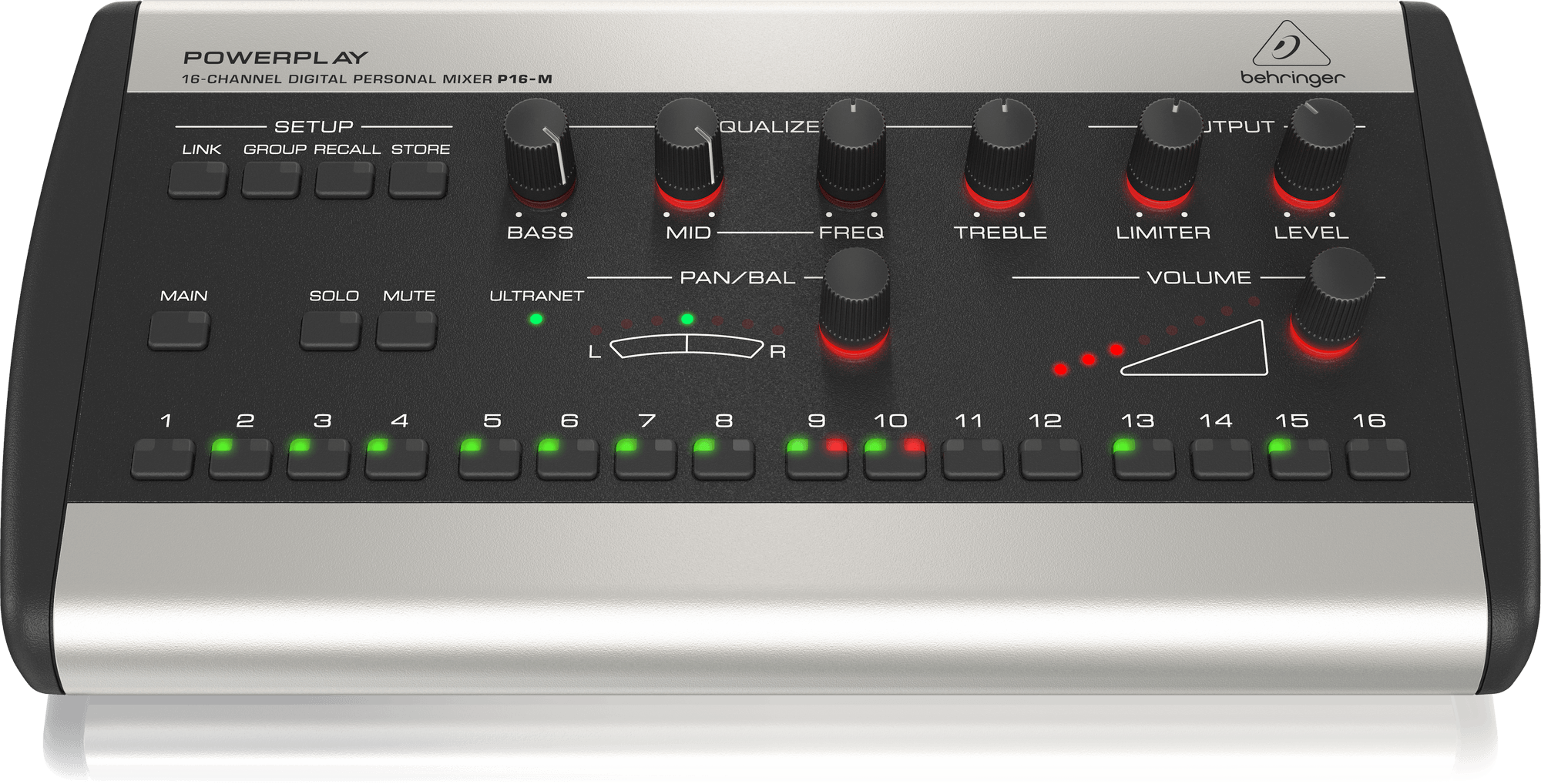
Behringer P16-M personal monitor mixer× 1 per musician
Each musician's personal mixer. They mix their own 16 channels without touching front of house.
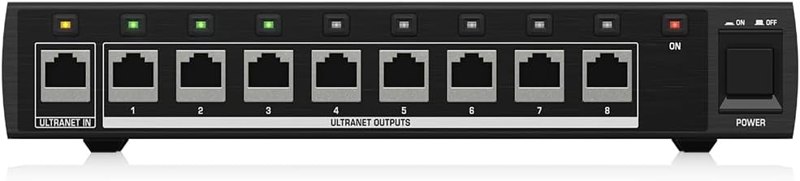
Behringer P16-D distribution hub× 1 per 8 musicians
Connects up to 8 P16s to the stage box and powers them over Ethernet, so there's no daisy chaining and no power supply at each mixer.
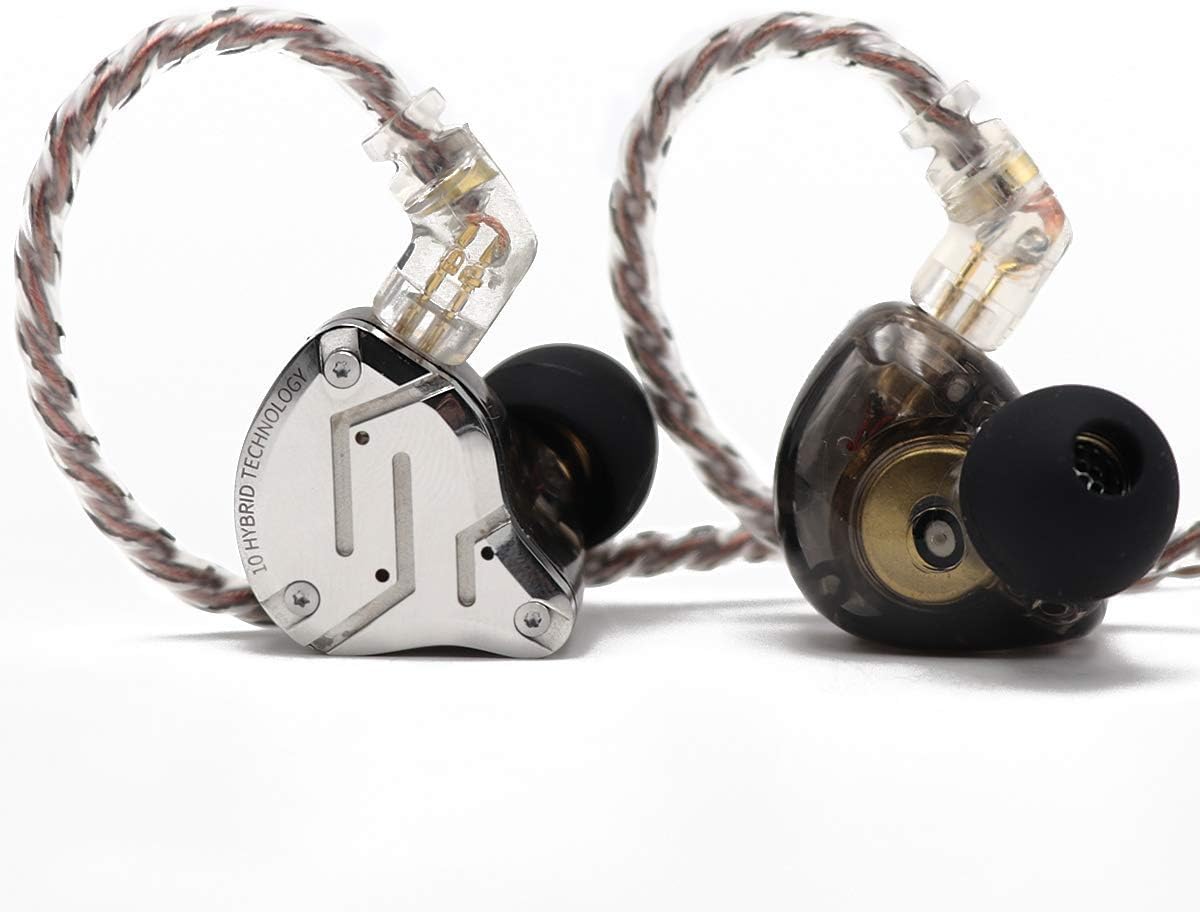
KZ ZS10 Pro in-ear monitors× 1 per musician
The earbuds each musician plugs into their P16's headphone output.
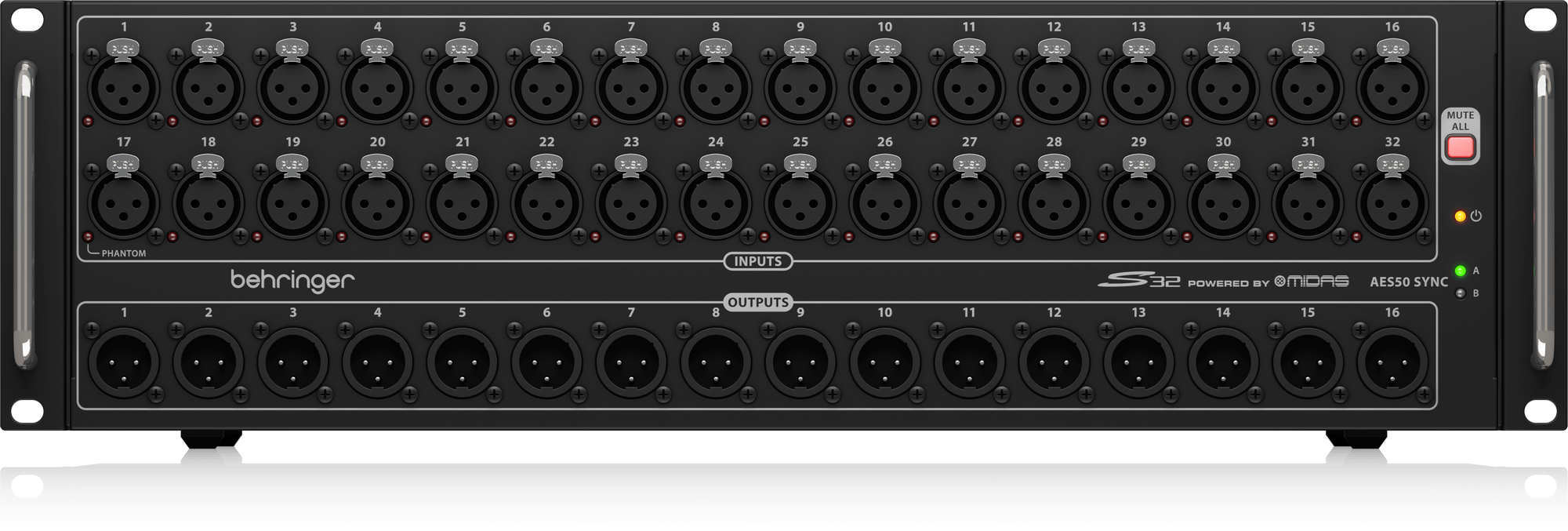
Behringer S32 digital stage box× 1 (upstream)
The stage box with the Ultranet alternate port that carries the 16 P16 channels from the Wing to the stage.
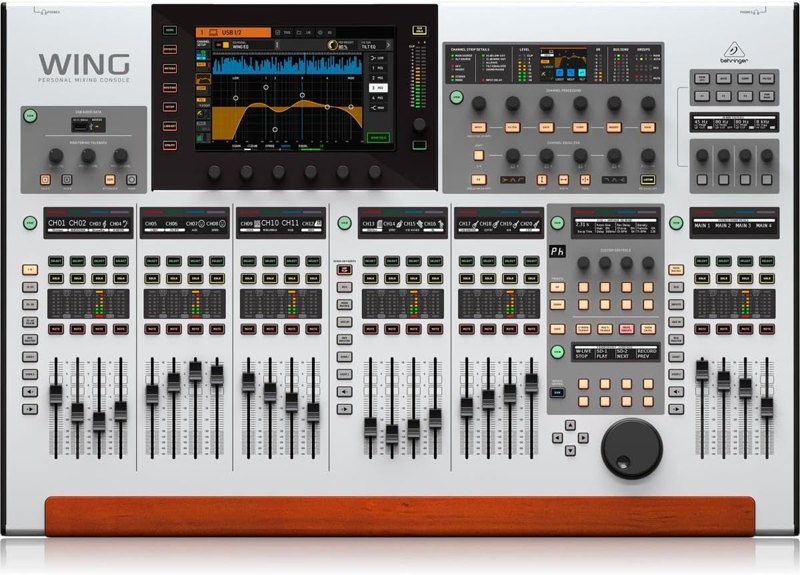
Behringer Wing (full size)× 1 (upstream)
The console. It routes inputs and buses to the P16 channels and does the bus mixes, like the drum and tracks buses, that save P16 channels.
Swap-outs
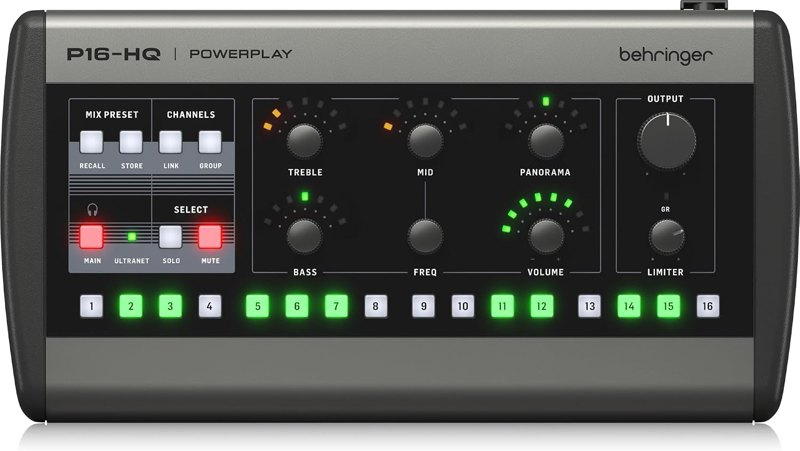 Behringer P16-HQ personal monitor mixerThe newer model in the P16 family. The routing walkthroughs on my channel are shown with the P16-M.
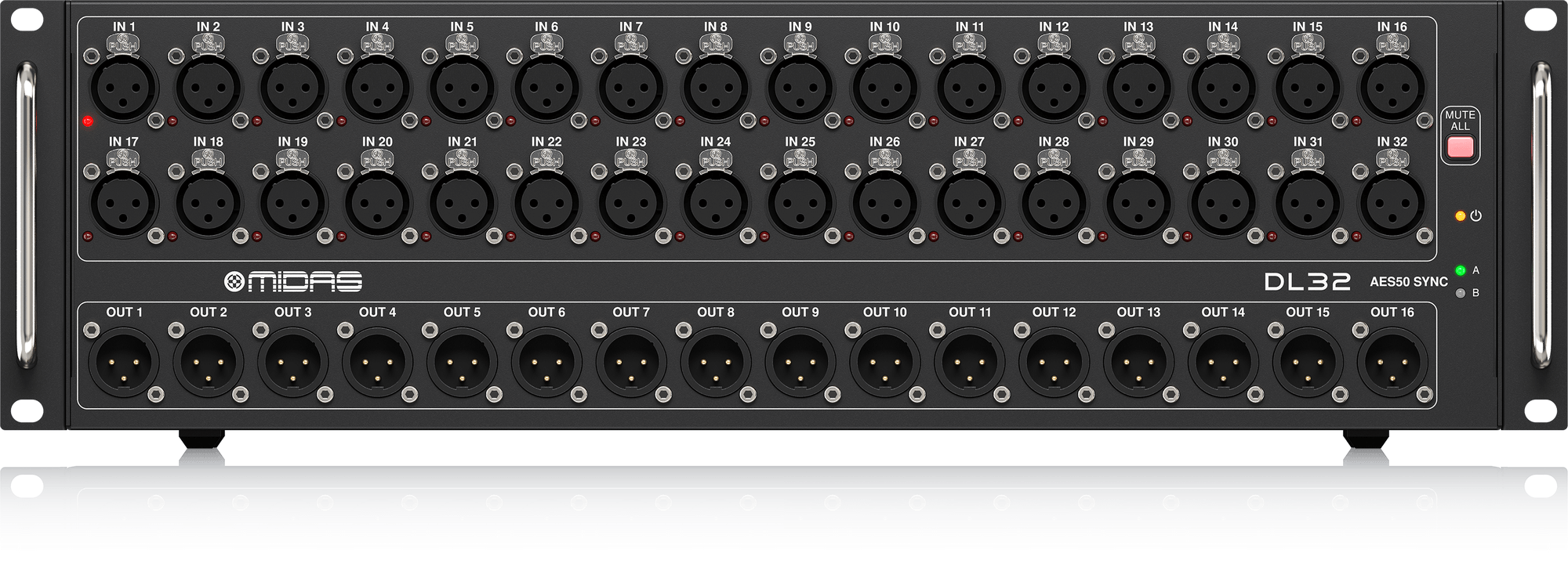 Midas DL32 digital stage boxSame role as the S32, with better preamps. It also has the Ultranet port the P16s need.
Good add-ons
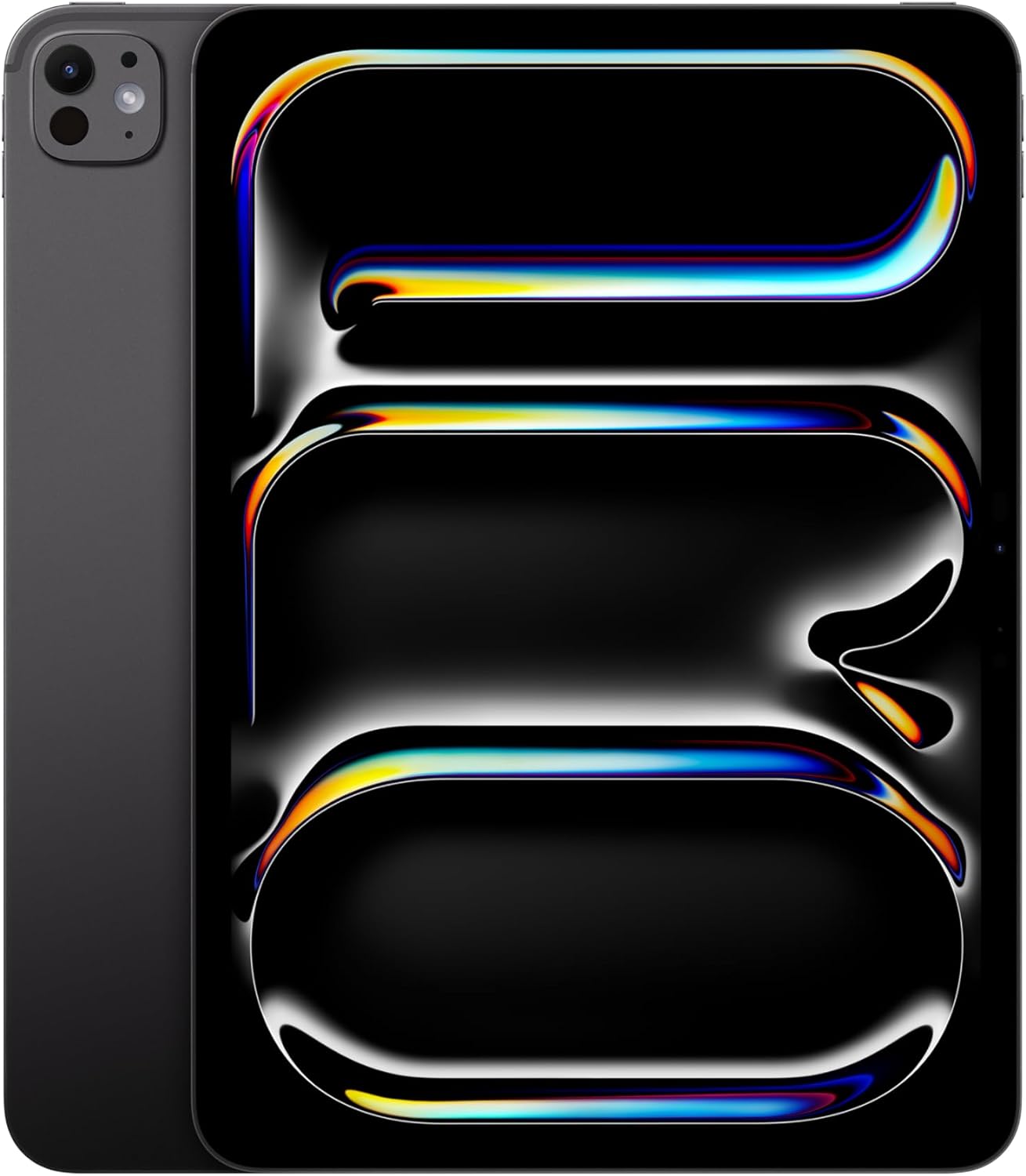 Apple iPad ProFor musicians on a Wing bus mix (wireless in-ears or a wedge), an iPad running the free Wing Q app lets them control their own bus without being able to touch your front-of-house mix.Behringer S32 digital stage boxA second stage box on its own AES50 line gives you a second, separate set of 16 P16 channels, so vocalists and band can get different P16 layouts.
Watch me set it up
Tips from my setup
- Sixteen channels go fast. Group the drum kit into one pre-fader bus the drummer mixes, and send everyone that bus.
- Send tracks as a post-fader bus. When I mute a piano track because we have a real piano player, it drops out of their P16 too.
- Use a lead vocal bus that always holds whoever's leading the song, so the band never has to change their mix song to song.
- Watch your tap point. Everything above the red dot goes to the ears, so you can keep a heavy compressor or autotune in front of house without putting it in their mix.
Questions people ask
What do the P16s need upstream?
A Behringer console like the Wing or X32 and a snake with Ultranet like the S32 or DL32. They work without anything else.
Where is P16 routing on the Wing?
It isn't labeled as P16 like on the X32. Go to Routing, Outputs, and the AES50 port your stage box is on. Output 33 is P16 channel 1, through output 48 for channel 16.
What if we have more than 16 sources?
Group them into buses on the Wing. We use a lead vocal channel, a background vocal channel, a drum bus, a tracks bus, a combined guide and talkback channel and a click channel. With two stage boxes on separate cables you can also give two groups different layouts.
Can musicians control their own mix from an iPad?
Yes, for anyone on a Wing bus. Wing Q is meant specifically for controlling buses and limits musicians to just the buses, so they can't mess up your front-of-house mix. Don't give them Wing Copilot.
Other kits
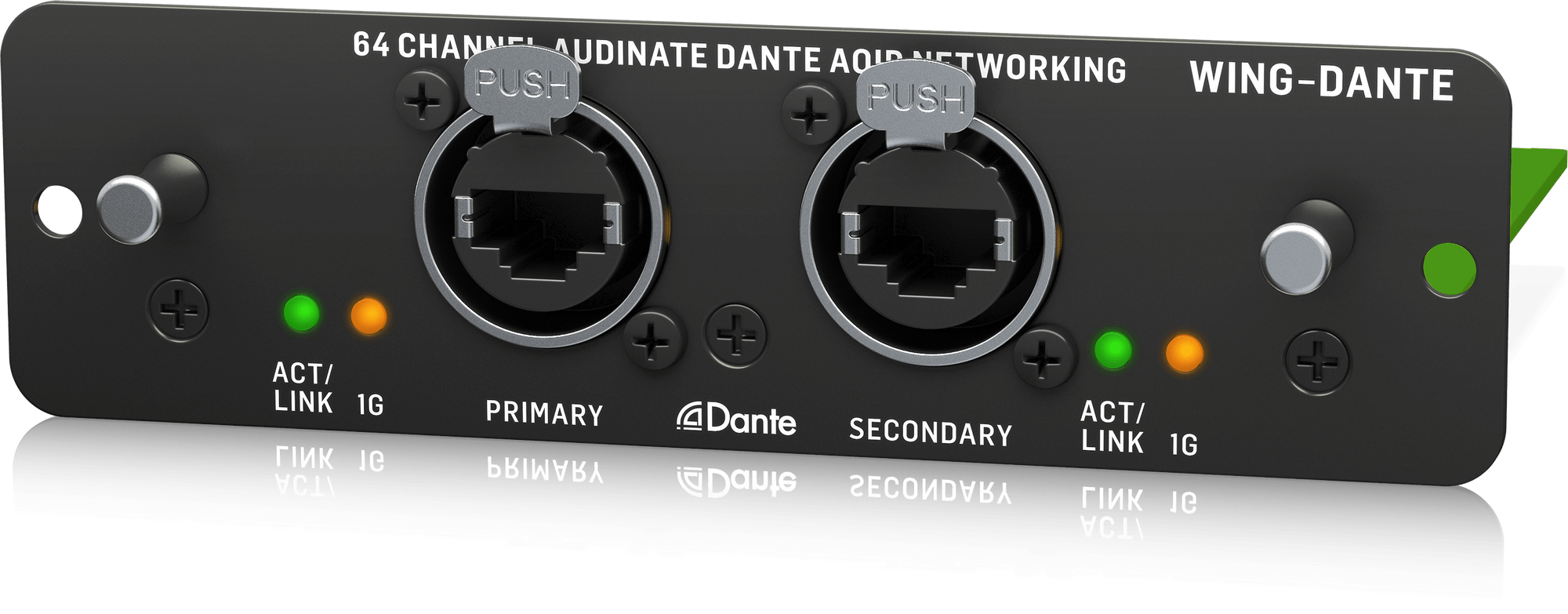
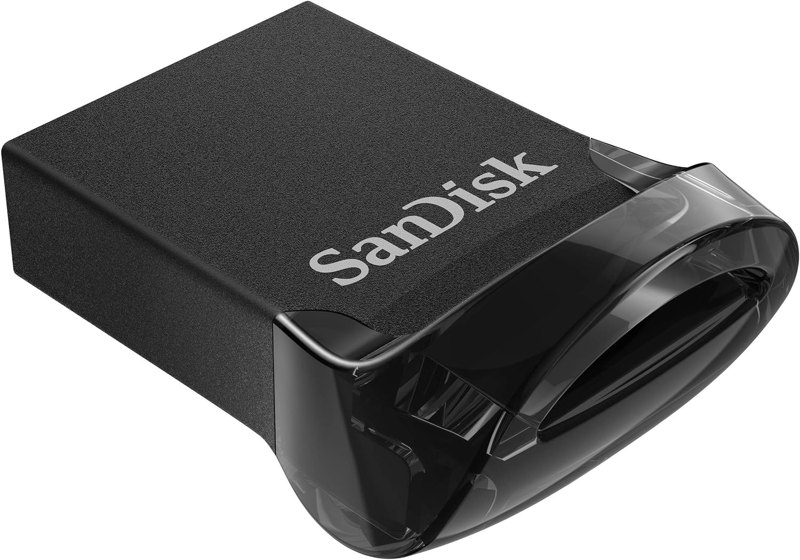
Wing Front-of-House Sound System
The Wing, a stage box, a Dante card and a USB drive: a front-of-house package built from gear I use.
See the kit →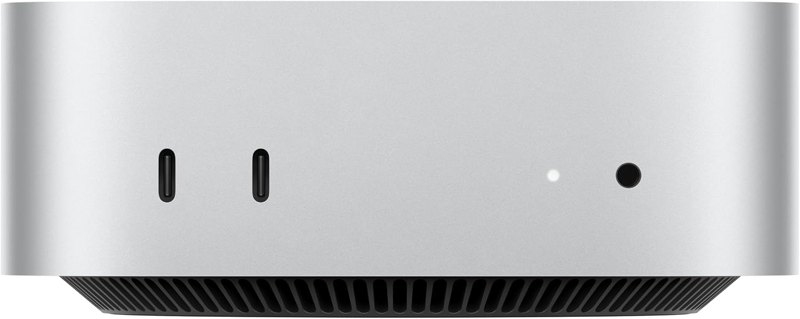


ProPresenter Computer Setup
The Mac Mini, DeckLink Duo 2 and Sonnet setup I run ProPresenter on at every one of our locations.
See the kit →

Multitrack Recording & Virtual Soundcheck Kit
Record every channel off your Wing, then play it back in for a virtual soundcheck when the band's gone.
See the kit →Not sure what you need?
Ask me in the chat (bottom right) and I’ll point you to the video where I cover it, or book a session and we’ll work through your setup together. Or start from one of my gear kits.