
As an Amazon Associate I earn from qualifying purchases. The product links on this page are affiliate links: they cost you nothing extra, and they help pay for the tutorials.
The Mac Mini, DeckLink Duo 2 and Sonnet setup I run ProPresenter on at every one of our locations.
Churches running ProPresenter that need more than the two outputs a Mac Mini gives you, especially if you're keying lyrics over a live stream.
See what’s in the kitWatch how it’s set upA Mac Mini gives you two outputs you can trust: the HDMI port, plus one more through USB-C with an adapter. For a lot of rooms that's not enough. I need a local monitor, a lower third and an alpha key for the video switcher, full screen for the projectors, and a stage display so the band can see lyrics and chord charts.
So every ProPresenter Mac we run has a Sonnet enclosure with a DeckLink Duo 2 card inside. One USB-C cable gets you four more SDI outputs, and that card has given me rock solid outputs. Here's the exact package, how the signal flows through it, and the videos where I set it all up.
How it fits together
The Mac Mini's HDMI port goes to the local monitor so the operator can see ProPresenter.
The DeckLink Duo 2 sits inside the Sonnet enclosure, which connects to the Mac Mini over USB-C and adds four SDI connectors.
SDI 1 and SDI 2 are linked in Blackmagic Desktop Video so ProPresenter can send the fill and the alpha key to two inputs on the ATEM switcher. Match the resolution to your switcher (mine runs 1080i 59.94).
Full screen lyrics, motion backgrounds and videos go to the projectors or TVs. Use an SDI to HDMI converter for any display that only takes HDMI.
A TV facing the stage shows the band lyrics and chord charts, again through an SDI to HDMI converter if that TV is HDMI.
What’s in the kit
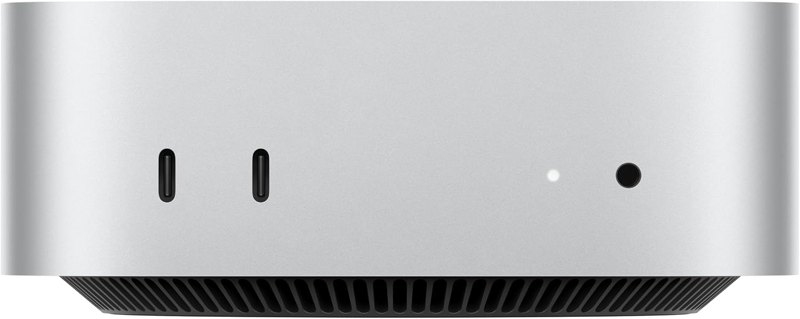
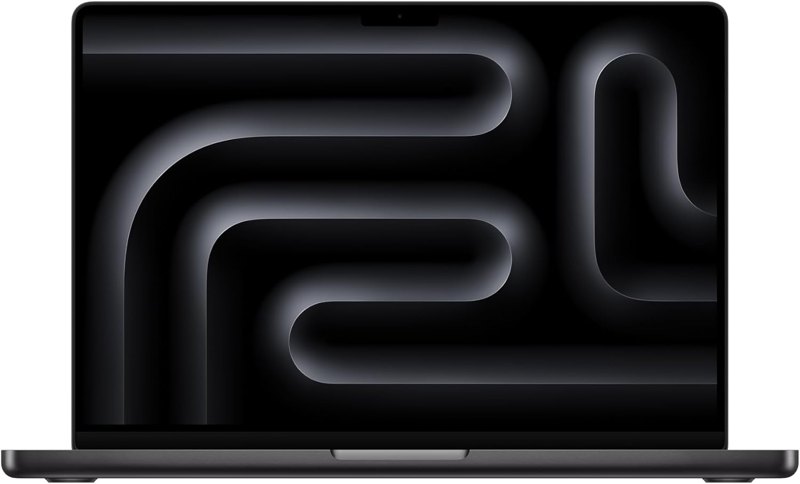
Apple Mac Mini (M4)× 1
Runs ProPresenter. The Macs in my videos are M2 Mac Minis; this links to the current Mac Mini. Its HDMI port feeds the operator's local monitor.
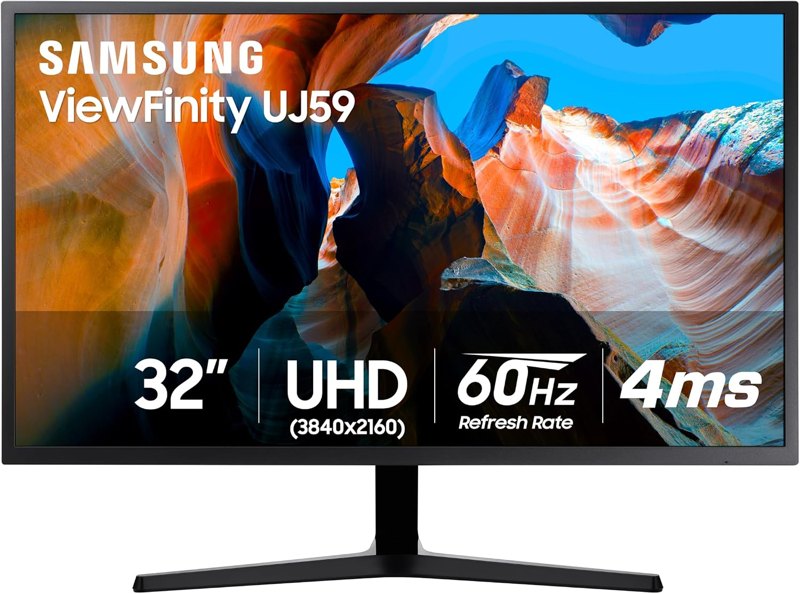
Samsung 32-inch 4K monitor× 1
The local monitor on the Mac Mini's HDMI port, where your operator watches ProPresenter.

Blackmagic DeckLink Duo 2× 1
Adds four SDI connectors. I use mine for lower thirds plus alpha key, audience screens and the stage display. It can do inputs too.

Sonnet Echo Express SE I (1-card enclosure)× 1
A Mac Mini has no PCI slot, so this Thunderbolt enclosure holds the DeckLink card and plugs into the Mac with one cable.
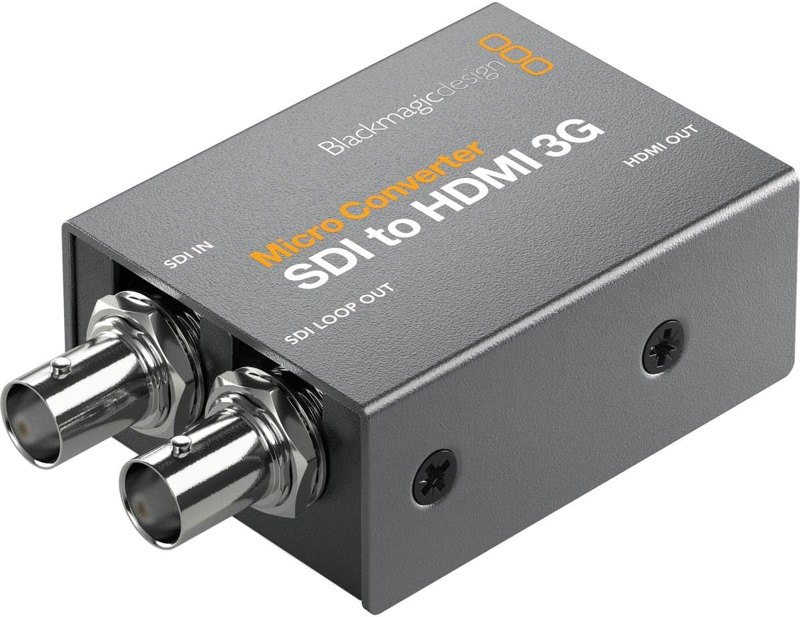
Blackmagic Micro Converter SDI to HDMI× 2
Turns a DeckLink SDI output into HDMI for a TV, like the stage display or an HDMI projector. They carry audio too.
Swap-outs
Sonnet Echo Express III (3 cards)The same Sonnet enclosure in a version that holds three cards. Whichever size you buy, get the full-height version.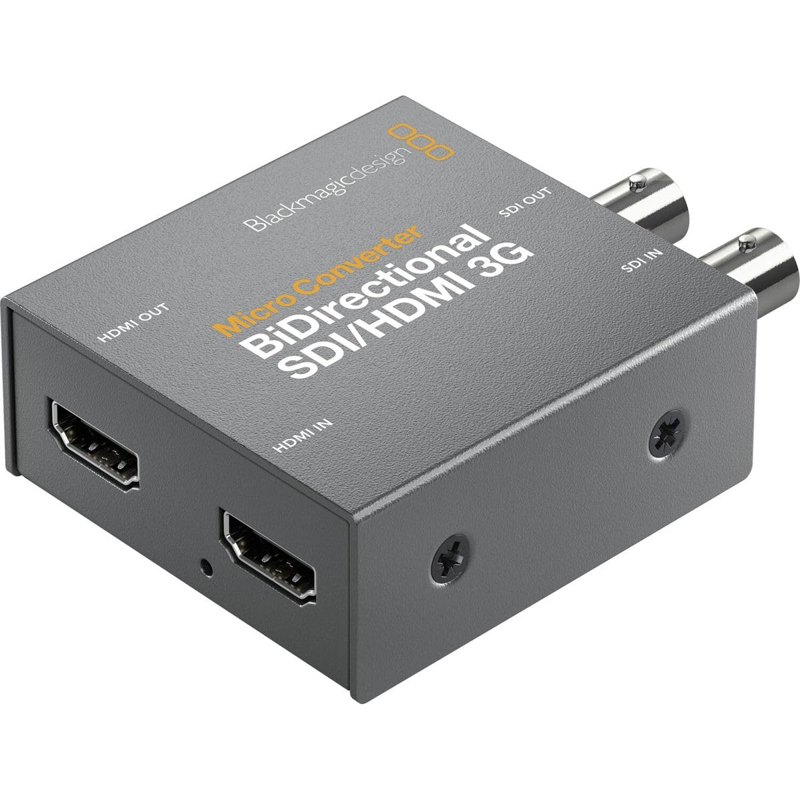 Blackmagic Micro Converter BiDirectional SDI/HDMIDoes SDI to HDMI and HDMI to SDI in one converter, if you'd rather stock one kind.
Good add-ons
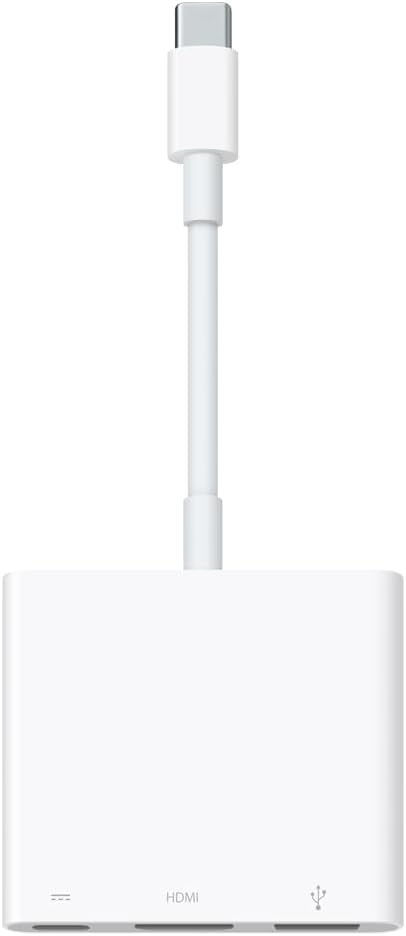 Apple USB-C to HDMI adapterGets you the Mac Mini's second native output through USB-C. You only need it if you want a sixth output out of this setup. I only buy Apple's adapter for production.
 Elgato Stream Deck MK.2 (15 keys)With Bitfocus Companion, puts ProPresenter cues like a countdown video or Clear All on buttons in front of you.
Watch me set it up
Tips from my setup
- In Desktop Video, set DeckLink port 1's connector to SDI 1 and SDI 2. That links them for the fill and alpha key. Then set port 2 to SDI 3, port 3 to none, and port 4 to SDI 4.
- On the lower thirds screen in ProPresenter, set the alpha type to pre-multiplied, key type to external and blend to 100%, and match the resolution to what your switcher expects.
- In the look for your lower thirds screen, only show the slide layer. Motion backgrounds stay on the room screens and off the stream.
- If volunteers run your computers, set them up as non-admin accounts and turn off ProPresenter's update notifications so it never pops up asking them to upgrade.
Questions people ask
Can't I just add more adapters to the Mac Mini?
They do make third-party adapters, but in a production environment I count on two native outputs from a Mac Mini that won't crash the computer. Anything past that goes through the DeckLink.
Can the DeckLink Duo 2 take inputs too?
Yes. It can be used for inputs or outputs, so you could bring a camera or another source into ProPresenter on that Mac Mini.
What software does the DeckLink need?
Blackmagic's Desktop Video software, from the support section of blackmagicdesign.com under capture and playback. That's where you set up each port.
What if I only have one spare output for lower thirds?
You can do a chroma key instead: put a solid green background behind the lyrics and key it out on the ATEM. Just don't use that color anywhere in your graphics.
Which Sonnet enclosure should I get?
There's one that holds one card and one that holds three. They come in other sizes too, so make sure you get the full-height version.
Other kits
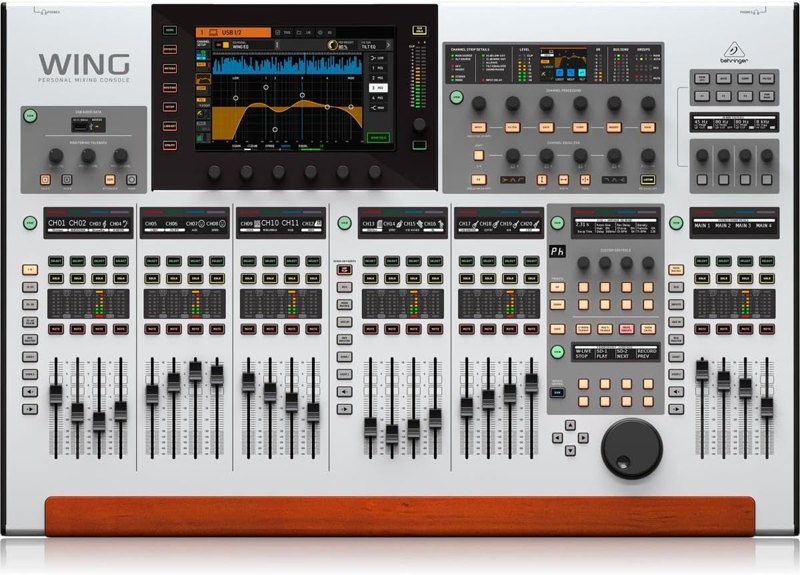
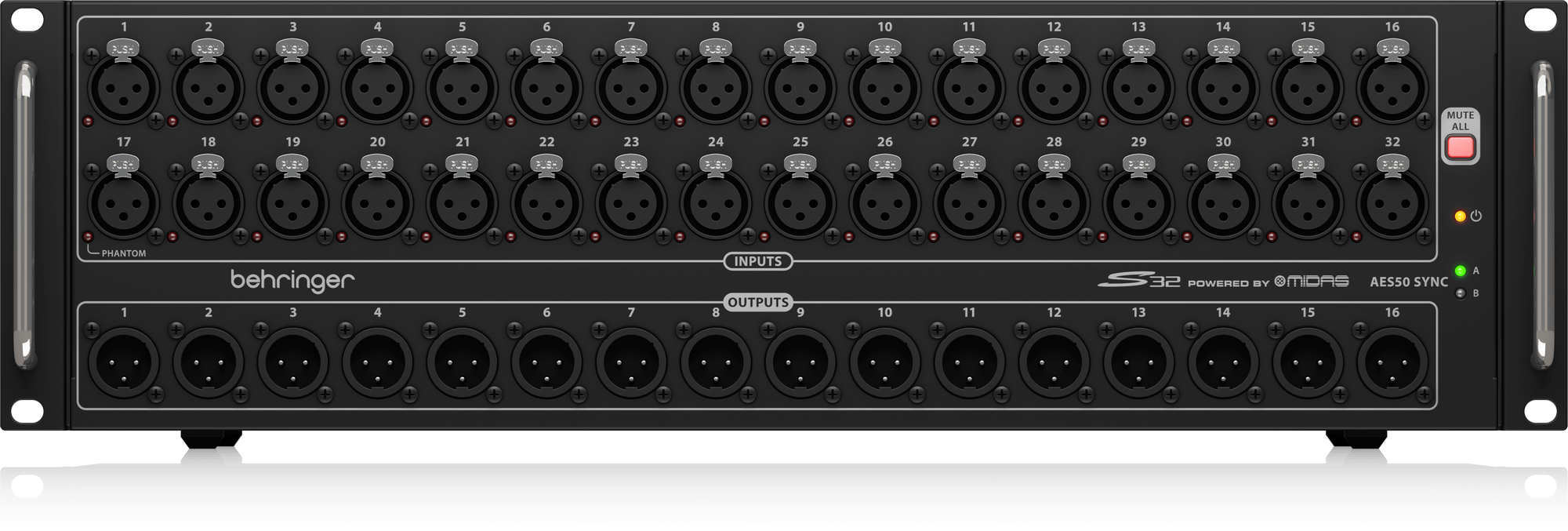
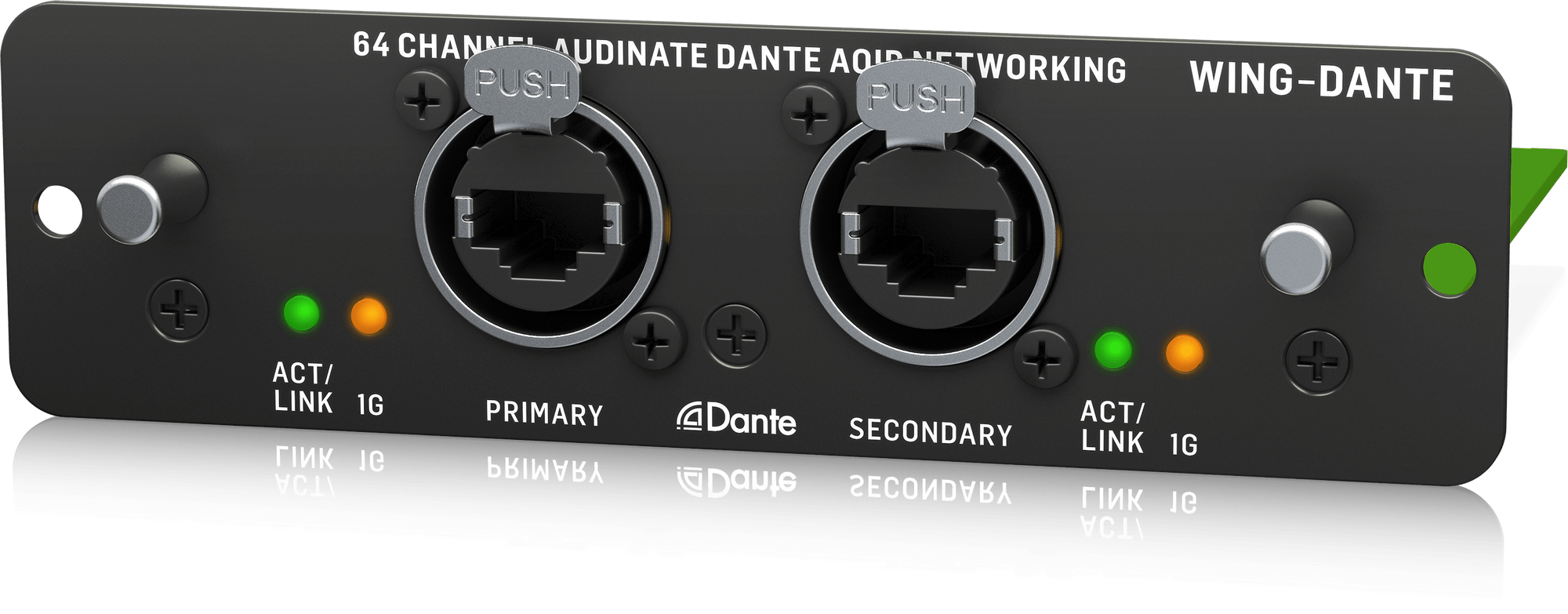
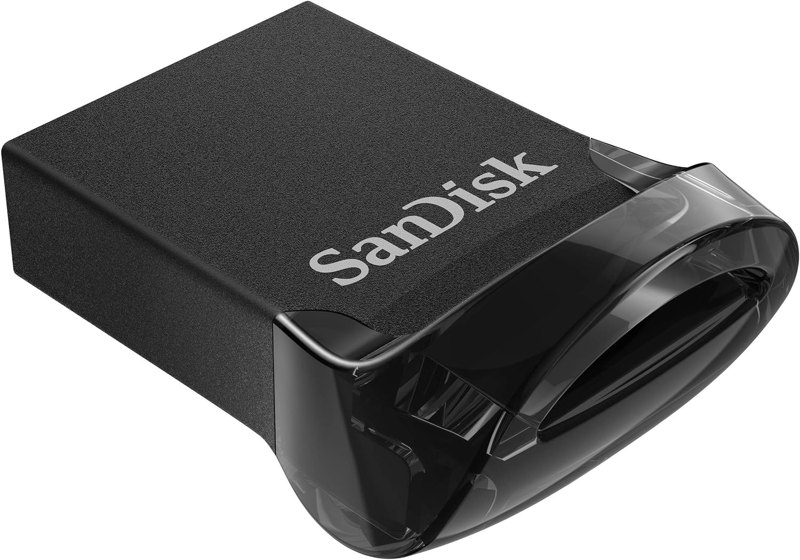
Wing Front-of-House Sound System
The Wing, a stage box, a Dante card and a USB drive: a front-of-house package built from gear I use.
See the kit →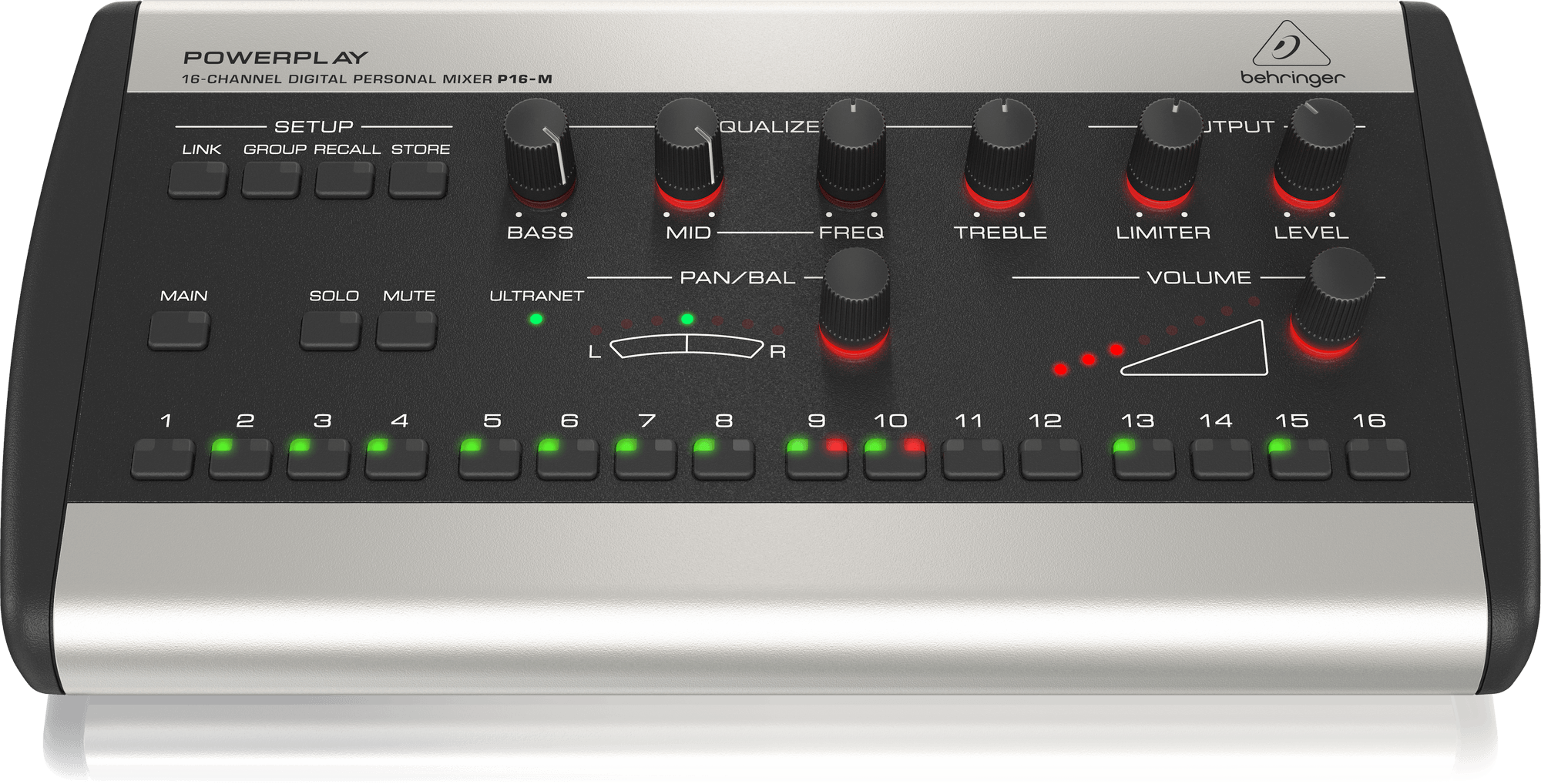
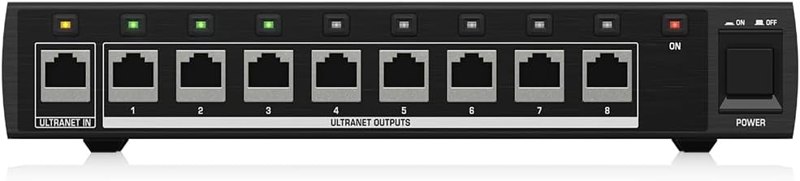
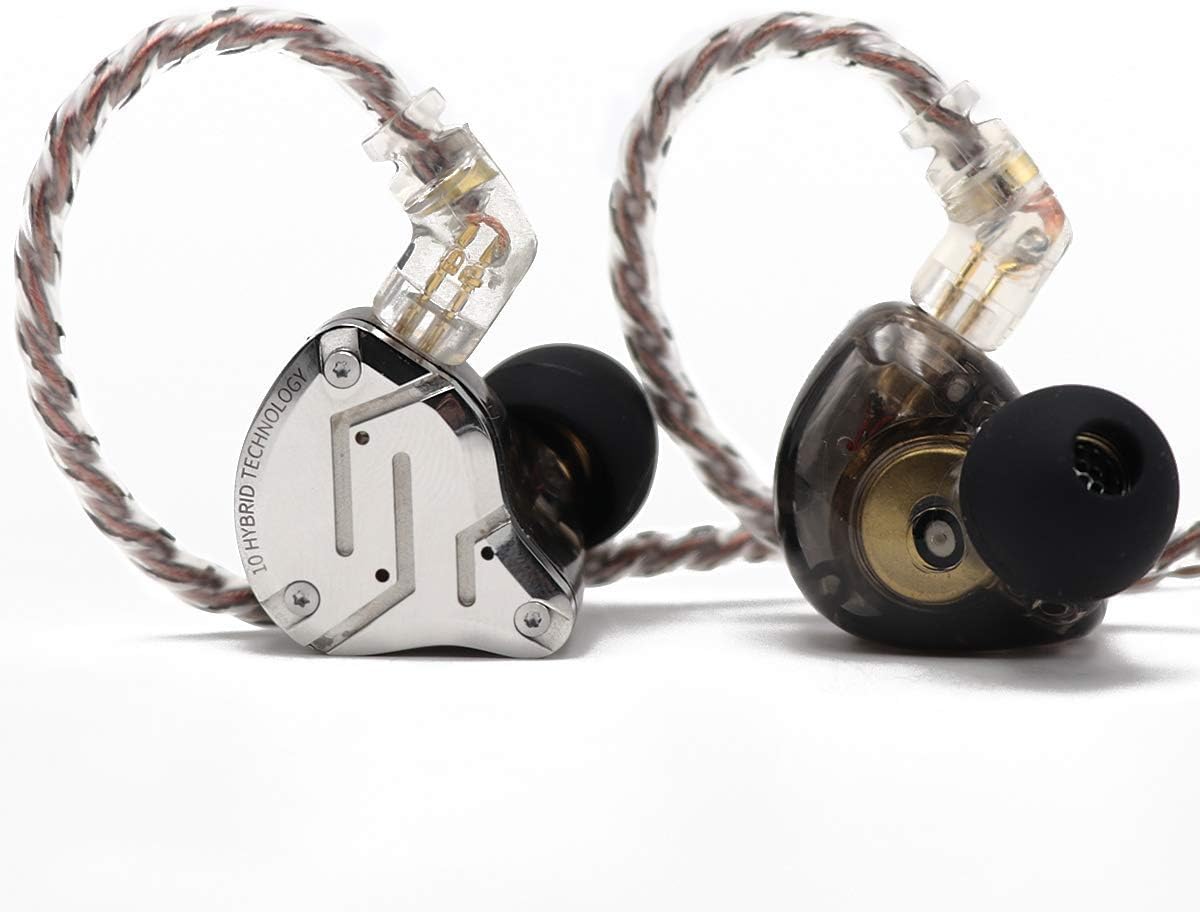
Personal In-Ear Monitor Kit
P16 personal mixers on a Wing: 16 channels per musician, mixed by the musician, instead of a stage wedge.
See the kit →

Multitrack Recording & Virtual Soundcheck Kit
Record every channel off your Wing, then play it back in for a virtual soundcheck when the band's gone.
See the kit →Not sure what you need?
Ask me in the chat (bottom right) and I’ll point you to the video where I cover it, or book a session and we’ll work through your setup together. Or start from one of my gear kits.