Behringer Wing Aux-Fed Subs: Give Your Subwoofers Their Own Fader
Put your subs on their own main on the Behringer Wing: pick which channels feed them, keep Pre off, and ride the subs on their own fader.

Tutorials cover linking the Behringer Wing with Waves SuperRack, iPad apps, AES50, Dante, USB, and routing sine or pink noise for latency tests and recording to Audacity or Adobe Audition. Also included are firmware upgrade steps, Snippets, vocal delay/reverb, and console lock or shutdown procedures.
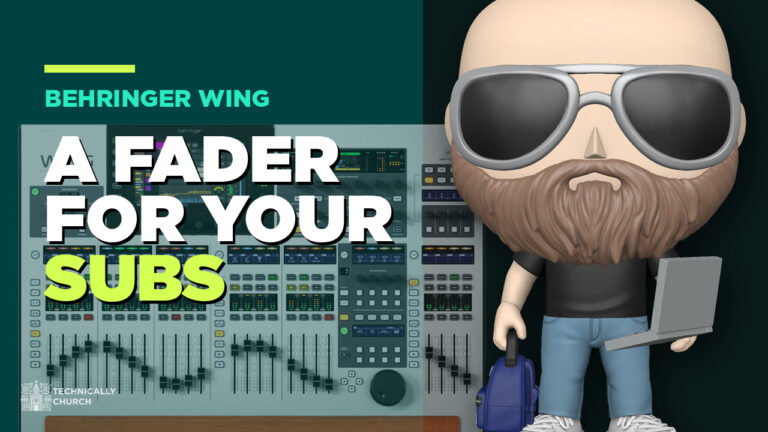
Put your subs on their own main on the Behringer Wing: pick which channels feed them, keep Pre off, and ride the subs on their own fader.
Guitar only in the left speaker? A mono source on a stereo channel. On the Behringer Wing: channel, home screen, patch, click M.
Every change in Behringer Wing firmware 3.1.1 explained: user patch gain and phantom, pan on send faders, resume after shutdown, and the fixes.
Every change in Behringer Wing firmware 3.1 explained: new compressors, dual-band dynamic EQ, direct inputs to phones, 24 remote clients, and the Compact updates.
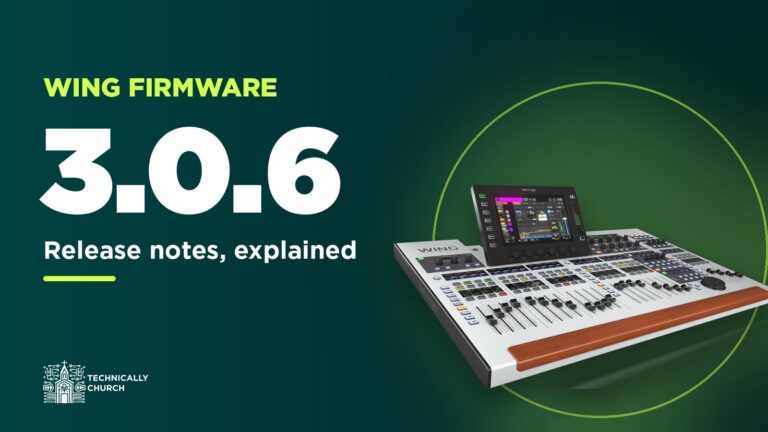
Every change in Behringer Wing firmware 3.0.6 explained: StageConnect names for the P24, the AES50 error counter, one-press EQ resets, and the Dante catch.
Need a fourth vocal mic next to the others? Patch it into any open channel on the Behringer Wing, then drag it into place with View > Config.
Record every channel from your Behringer Wing over USB or Dante, free in Audacity or 64 channels in Audition, then mix it back as a virtual soundcheck.
Two ways to let your church band mix their own in-ears on the Behringer Wing: P16 personal mixers over Ultranet, or buses with the Wing-Q iPad app.

Rotating drummers? Save each one’s Waves plug-in presets as a SuperRack snapshot, narrow the scope to the drums, and switch with one click on the Wing.
How I run Dante on the Behringer Wing: the Dante card, Dante Controller, Virtual Soundcard, recording, Playback, two Wings, and firmware fixes.